Course visibility

Newly created learning spaces are visible and accessible for the roles "Student" and "Other participant" by default. However, learning spaces can be hidden at any time via the course settings.
They will then no longer be displayed to the above-mentioned roles in the list "My courses" in the dashboard. When accessing the URL of the learning space directly, the message "The course is currently not available for participants".
To change the visibility of the course room please proceed as follows:

1. Click on "Edit settings" in the center menu guide to open the course settings.
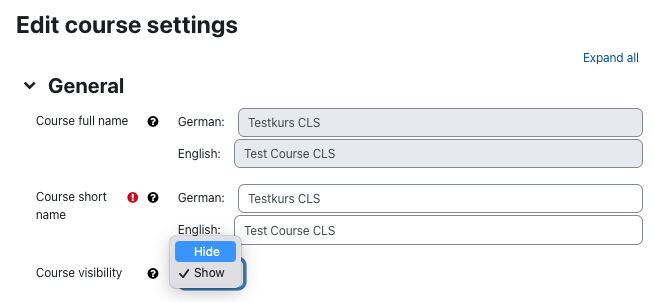
2. In the section "General", set the option "Course visibility" to "hide".
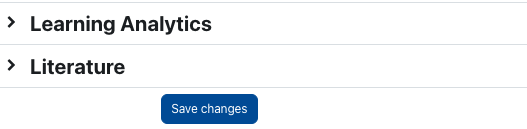
3. Confirm the change at the end of the page by clicking "Save changes".
The course is no longer displayed in the "My courses" list in the dashboard for all persons with the roles "Student" and "Extra participant". When accessing the URL to the course room directly, the message "This course is currently unavailable to students" appears.
In the course room itself, a yellow banner is displayed informing managers that the course has been set to "hidden". The course room is therefore only displayed to managers and the setting can be adjusted in the course settings.