


Course templates

In the winter semester 2026/27, the RWTHmoodle team is testing four further developed course templates for designing course rooms. The templates are based on a standardized basic structure and are available in two versions:
- a Basic Course Template
- and an Extended Course Template
Both versions are available in the “Customs Sections” and “One Topic” course formats, resulting in a total of four course templates. The Basic Course Template is particularly suitable for lecturers who want to use a predefined basic structure while largely designing their course room themselves. The Extended Course Template also includes numerous preconfigured Moodle activities and sample design elements that can be adopted, adapted, or removed as needed.
Both lecturers and students benefit from several advantages:
- Course rooms can be created with less effort for lecturers.
- Lecturers who have little experience with RWTHmoodle are supported in creating clear, uniform and didactically meaningful course rooms.
- Didactic tips help lecturers to design the course room in the sense of interactive and activating teaching. Students, in turn, benefit from improved teaching quality.
- A more uniform structure in the course room makes it easier for students to find their way around and concentrate on the content.
- Progress elements also support self-organization by making individual learning progress visible to students.
The starting point for the design of the course templates is the feedback from lecturers from the yearly user surveys (opens in new tab). Course templates with a focus on course room organization and material provision were particularly frequently requested as a form of support.
Please note: The text on this page is a translation of the German page, but screenshots show German content as the course templates are only available in German in the winter semester 2025/26!
- Course templates
1.1 Elements of the course templates
1.2 Course formats - Participation in the test phase
1. Course templates
During the testing phase, lecturers can choose between two differently configured versions of the course template::
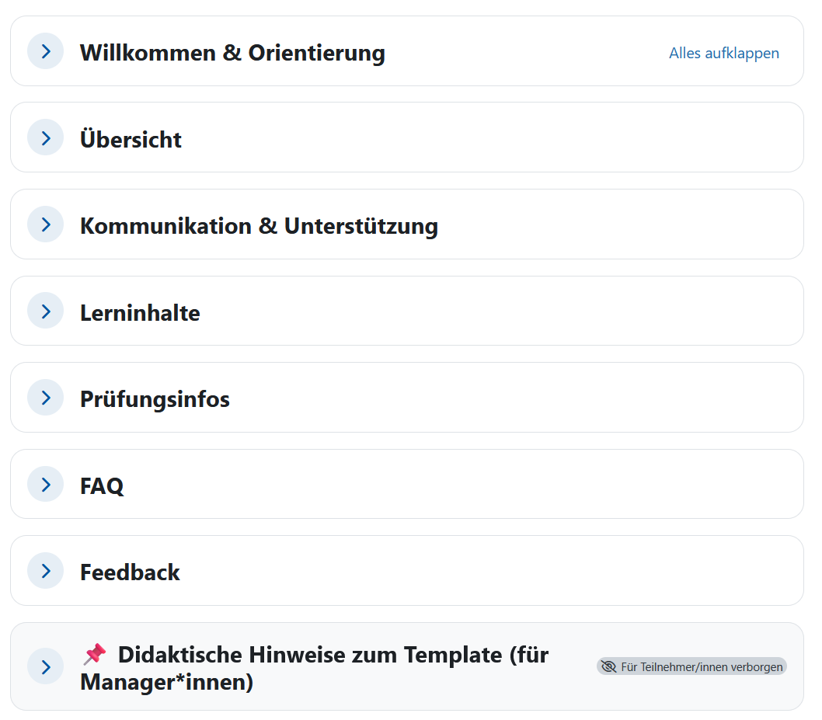
- The Basic Course Template provides a standardized basic structure with seven key course sections visible to students. It includes editable template elements for recurring components such as learning outcomes and the semester schedule, but no preconfigured Moodle activities. Instructors can customize the specific design according to their individual needs.
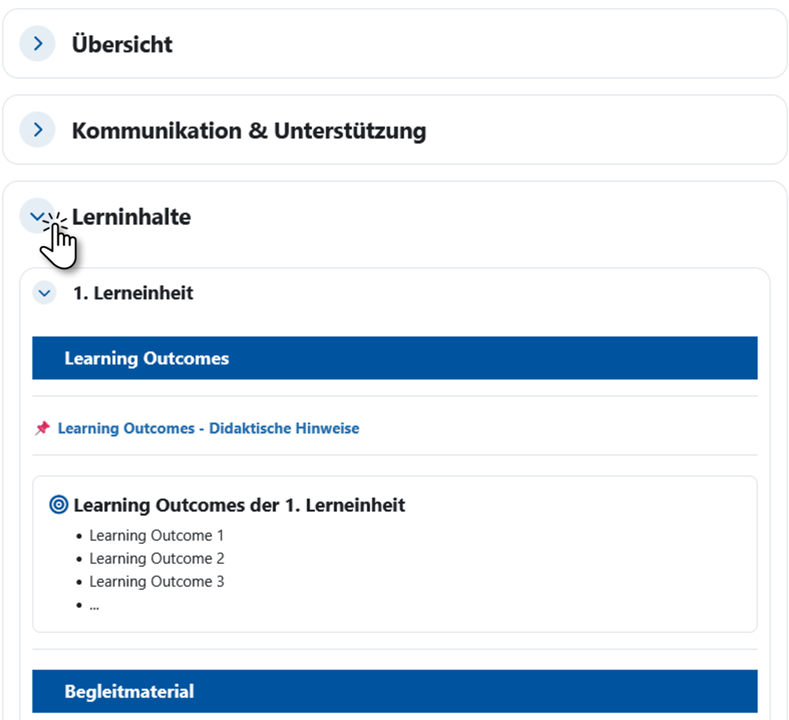
- The Extended Course Template is based on the same basic structure. In addition to editable template elements, it includes numerous preconfigured Moodle activities as examples of possible implementations. The first learning unit is pre-structured as an example and serves as a guide for designing additional learning units. All prepared elements can be adopted, adapted, or removed as needed.
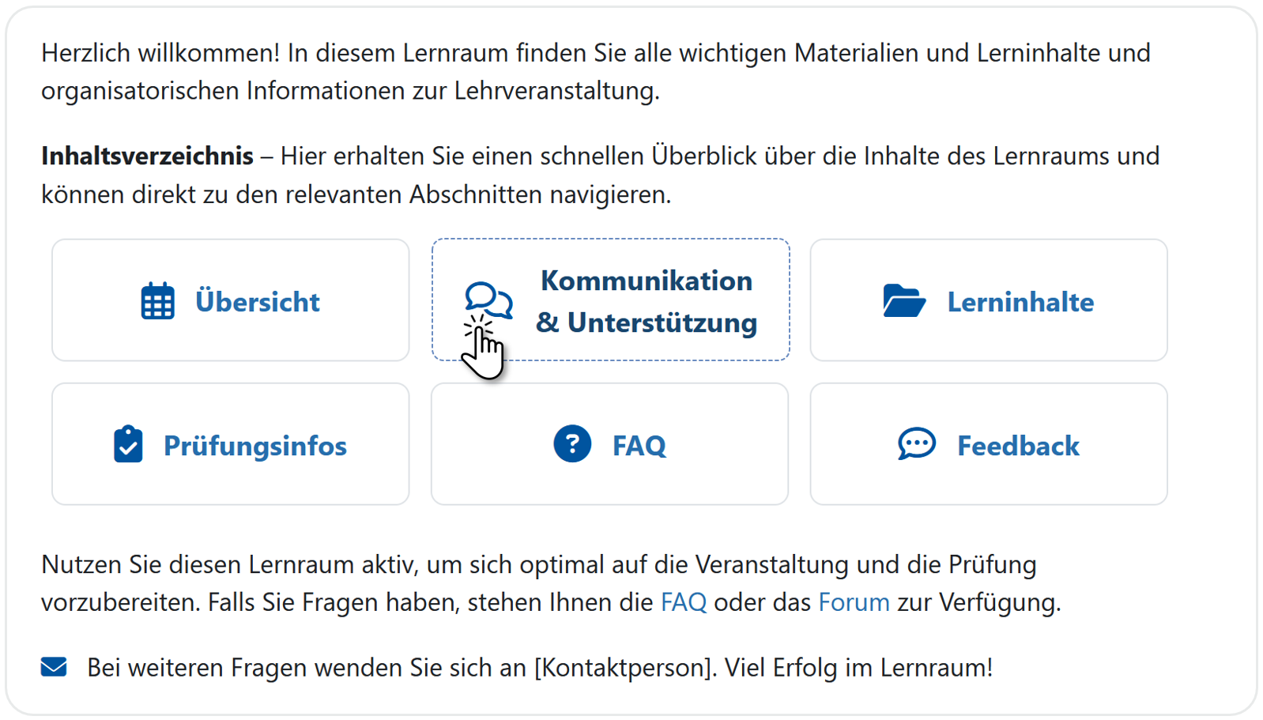
- Both versions also include a central, customizable navigation overview with direct links to course sections, subsections, and selected activities.
1.1 Elements of the course templates
In addition to predefined content that you can incorporate directly into your course, both course templates contain information on how to use and customize the template:
- Compact information on using the template, such as step-by-step instructions for creating an individual course room
- Predefined content, individually customizable
- Didactic tips and recommendations
- Tools & tips for making learning progress visible to students
- Explanations on the purpose of the elements, information on possible content and design alternatives
- Links to further information
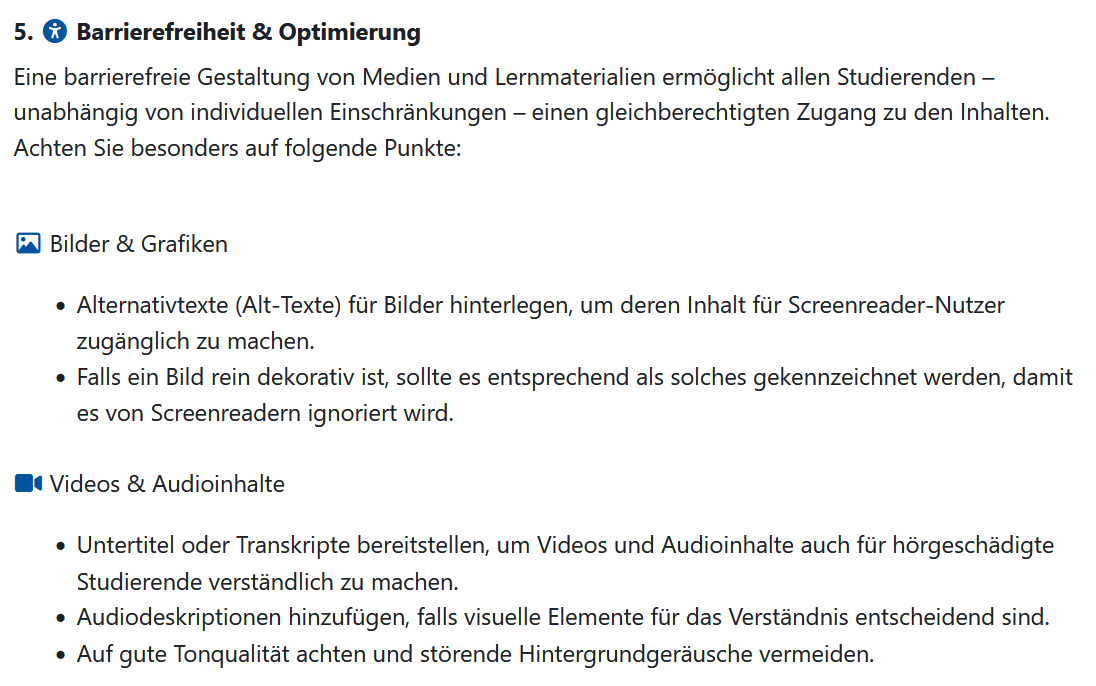
- Notes on accessible design
Notes on use
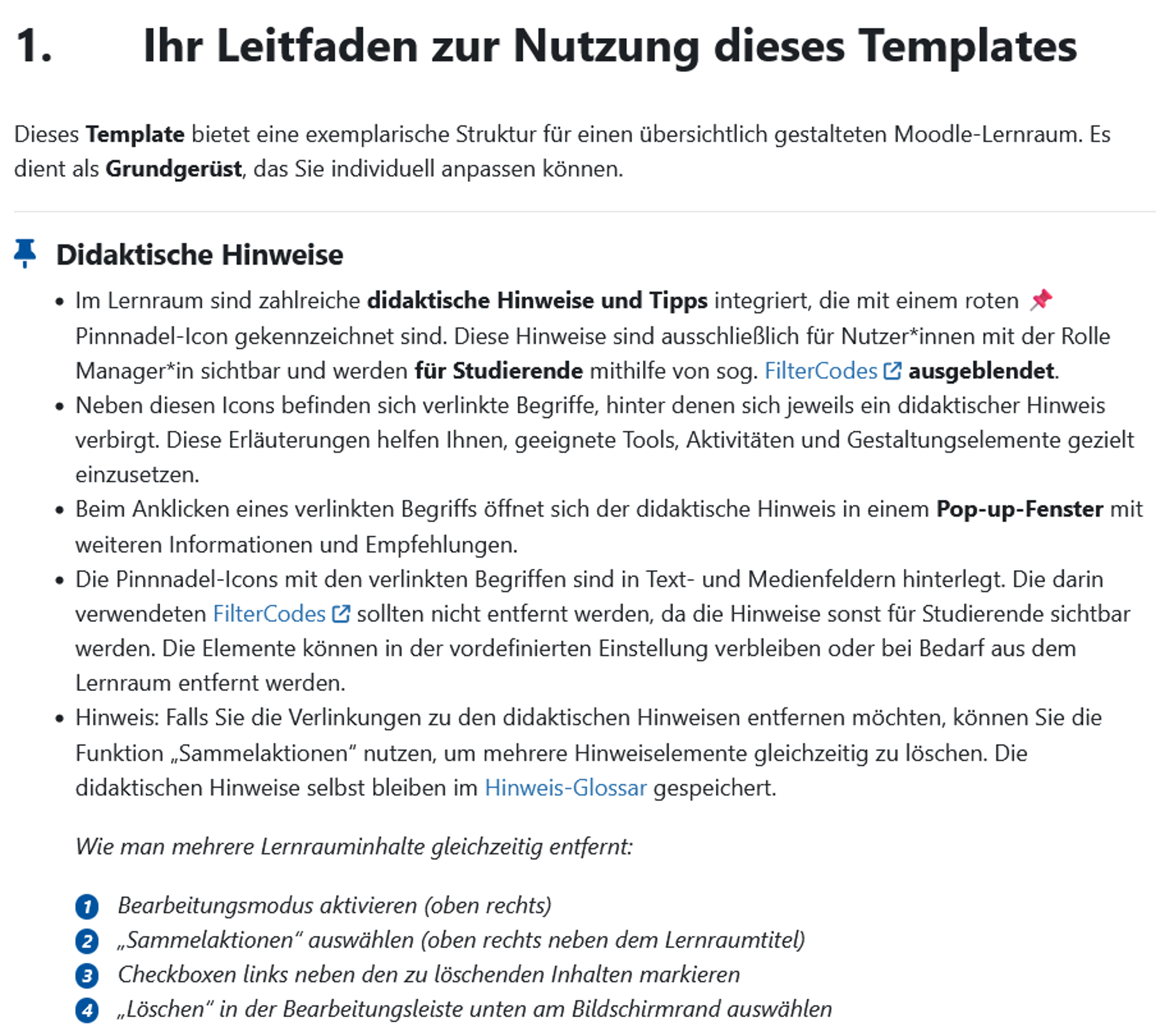
A Moodle book integrated into the course template supports lecturers in using and customizing the template. It provides step-by-step instructions as well as recommendations for structuring and designing the course room. The individual chapters can be accessed directly via a block in the Moodle block drawer. The RWTHmoodle Tool Guide is also linked there.
Customize predefined content
The Extended Course Template also includes preconfigured Moodle activities and sample design elements that you can adapt to your own needs or remove as needed.

Didactic tips and recommendations
Didactic notes and recommendations in the respective sections are easily recognizable via a pin icon. These are invisible to the students and can therefore remain in the course room.
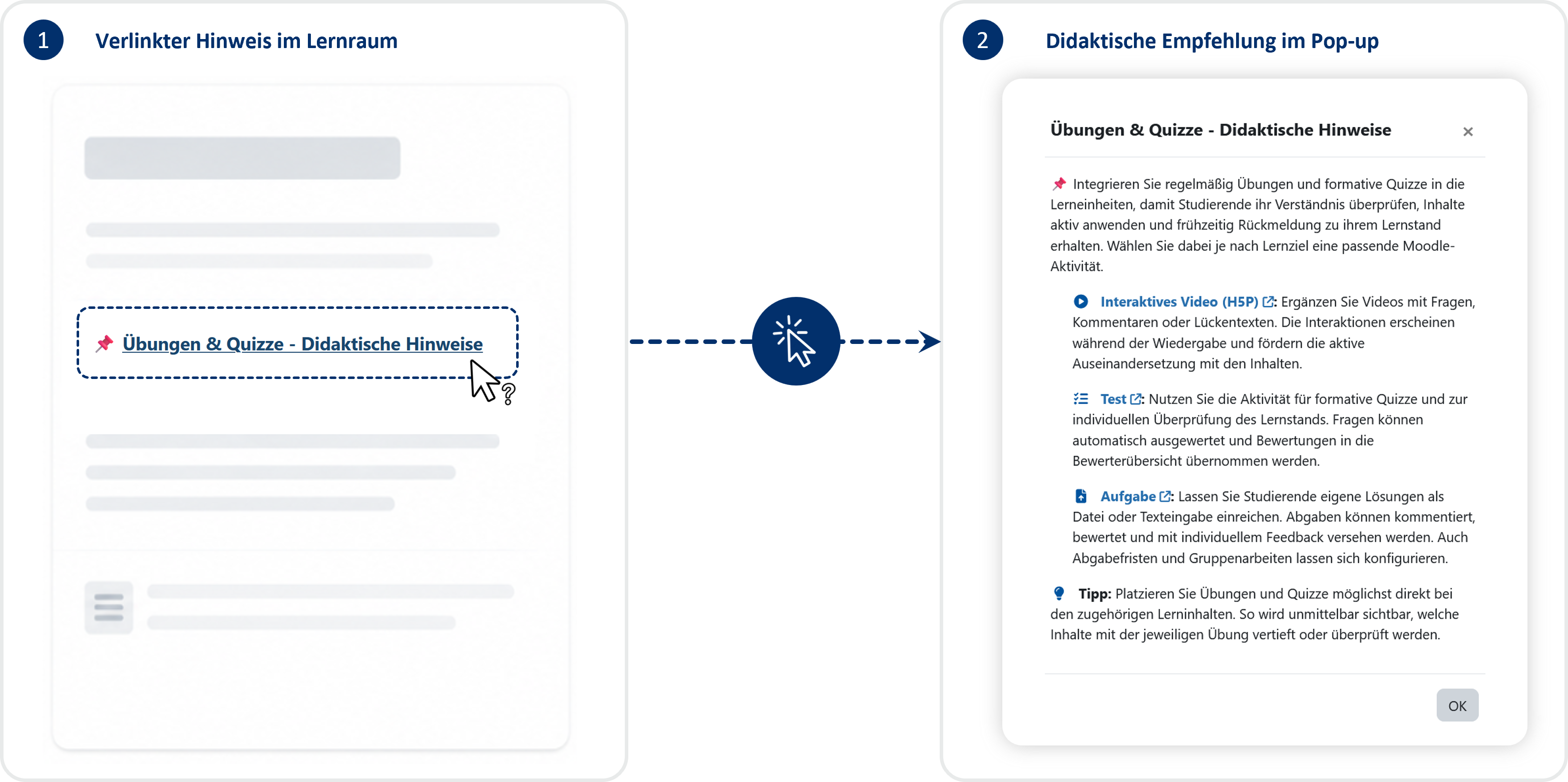
Clicking on a linked term opens the didactic note in a pop-up window.
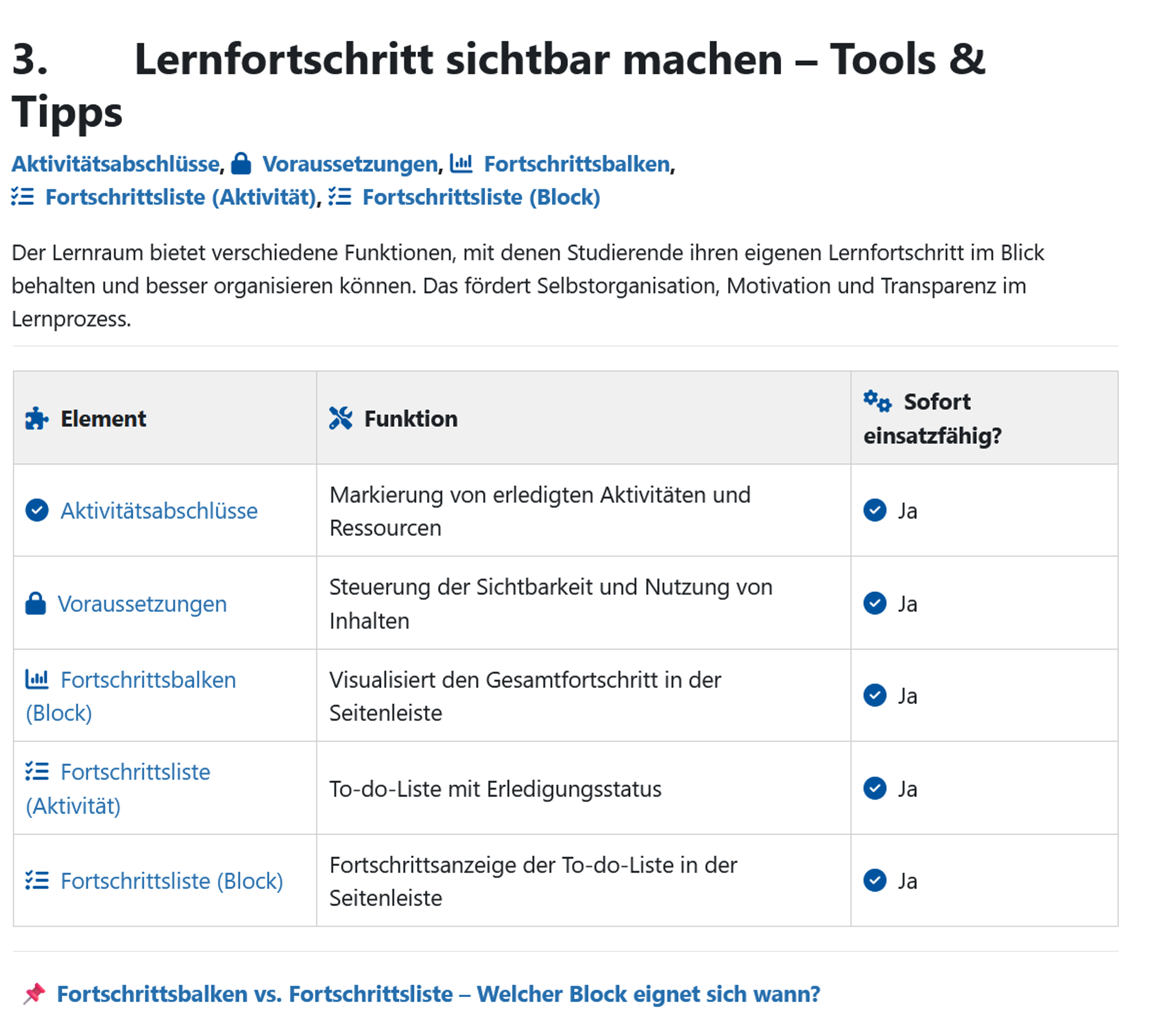
Tools & tips for making learning progress visible to students
The templates provide a compact overview and helpful information on progress elements such asactivity completions, access restrictions, and checklists. These help students keep track of their learning progress while promoting self-organization and motivation.
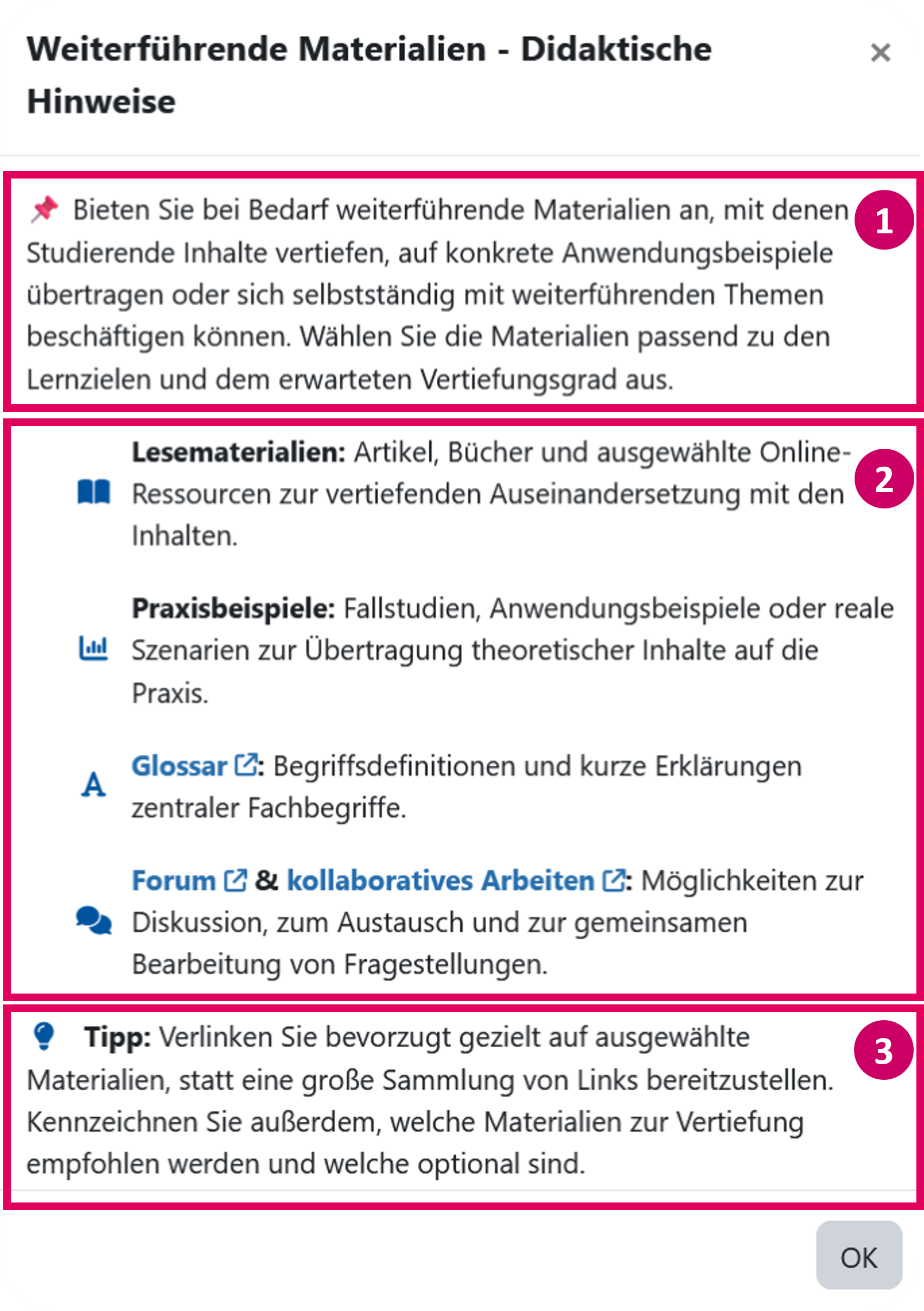
Explanations and notes on purpose, possible content and design alternatives
Short descriptions within the didactic notes and recommendations of the pop-up windows explain the purpose of the element (see screenshot, marker 1). Further design assistance is provided by notes on possible content (see screenshot, marker 2), which design alternatives exist and other tips (see screenshot, marker 3).
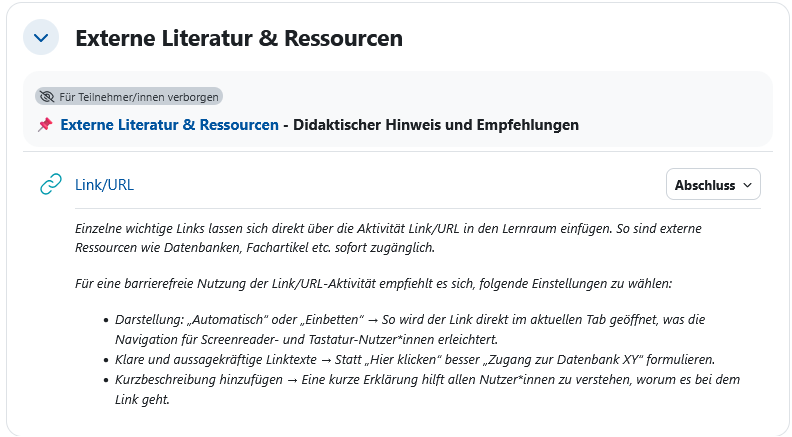
Notes in the sections are marked in italics.
Further information
Links to further information such as theRWTHmoodle Tool Guidehelp you to customize the course room flexibly to your requirements.
Notes on accessibility
Basic tips on accessible design help to make content such as images and graphics accessible to all students.
1.2 Course formats
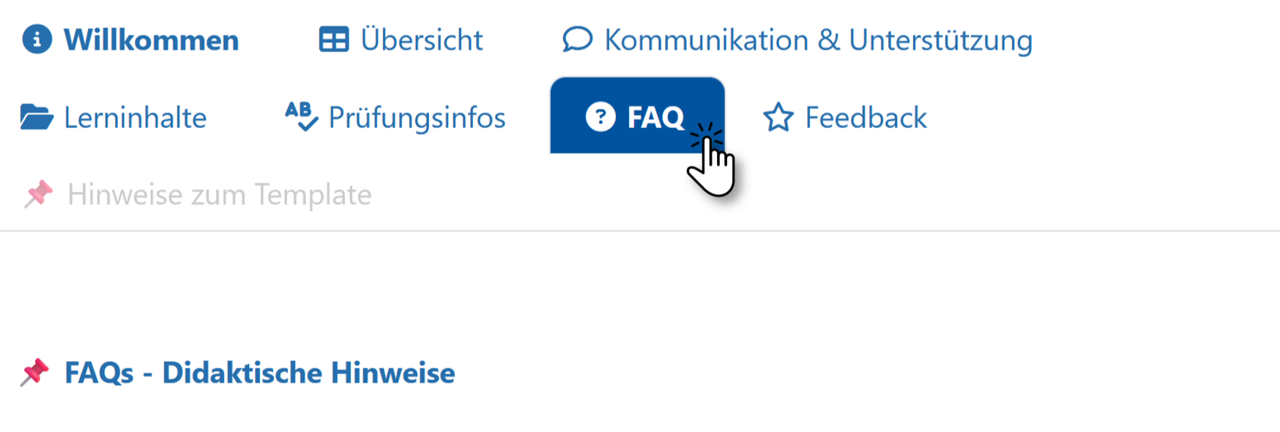
Both course templates are available for the standard topic format (classic section view) and the single-topic format (tabbed view).
Standard topic format
One topic format
2. Participation in the test phase
We will be happy to activate the course templates for you as part of a test phase on request.
If you would like to test the templates in your course rooms, please contact (Send an email to:) Mrs Sandra Jaeger(CLS). Please note that in the summer semester 2025, the templates are only available in German.
Your feedback helps us to improve the templates and further expand our support services for teachers in a targeted manner.
Further course templates on specific Moodle topics are planned for the future.
