


Preview "Extended Template (Onetopic format)"

This course template offers a uniform basic structure with central areas for orientation, communication & support, learning content, exam information, FAQ and feedback. In addition to customizable template modules for recurring elements such as learning outcomes and semester plans, it contains numerous preconfigured Moodle activities that serve as suggestions for designing the learning space. The prepared elements can be adopted, adjusted or removed if necessary. It is therefore particularly suitable for teachers who, in addition to a given structure, also want to rely on previously prepared implementation suggestions.
This course template uses the single-topic format, where each course section is presented on its own page. The individual sections can be accessed directly via tabs in the upper area of the learning room. This allows students to switch between individual course sections without having to scroll through a long course page. With a larger number of sections
If you prefer a display in which all course sections and subsections are displayed on one common course page, the basic course template is alternatively available in the topic section course format. The structure and prepared elements are identical in both course formats; they only differ in the presentation and navigation of the course areas. In the topic section course format, the individual sections can be collapsed and expanded so that only the relevant content is displayed if necessary.
If, on the other hand, you do not want to use pre-configured Moodle activities and largely design your learning space yourself based on the given structure, the basic course template is available. This is available in both topic section and single topic formats.
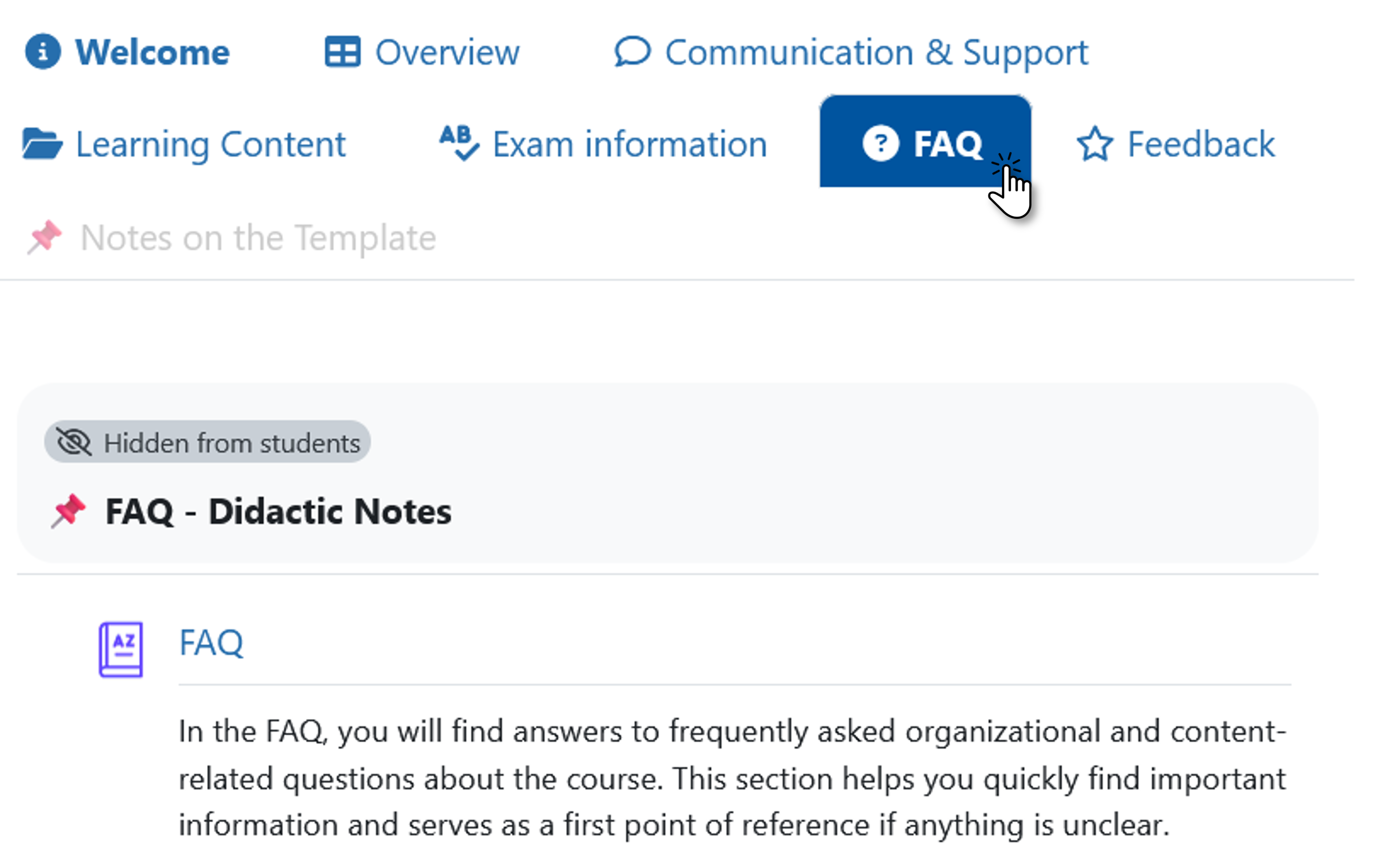
Special features of the Advanced Course Template in single-topic format:
- Basic structure with seven central course sections that are visible to students
- Presentation of each course section on its own page
- Central, customizable navigation overview with direct links to course sections, subsections and selected activities
- Breakdown of the learning content into individual learning units
- Editable template modules for learning outcomes and semester plan
- Numerous preconfigured Moodle activities as exemplary implementation suggestions
- Example of a pre-structured first learning unit as a suggestion for the design of further learning units
Recommended for:
- Teachers who, in addition to a given basic structure, would like to use already prepared Moodle activities and implementation suggestions
- Learning rooms where direct navigation between course sections via tabs is desired
- Teachers who want to get to know different options for conveying content and activating learning and adapt them for their own learning space
- Lecturers who would like to flexibly adapt prepared elements to their own course
