


My IT Center

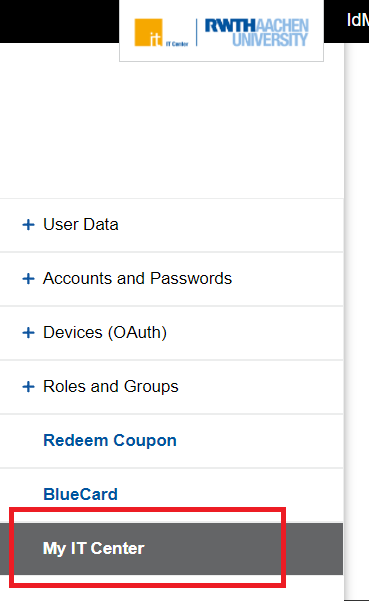
Click "My IT Center" in the IdM-Selfservice (opens in new tab) to open the Portal My IT Center (opens in new tab).
The start page of the portal shows all IT services of RWTH Aachen University.
To view the services available to you, please follow these steps:
Step 1
Click on the dropdown menu in the top right next to "Target Group."
Step 2
Select My services.
Step 3
Log in via RWTH Single Sign-On.
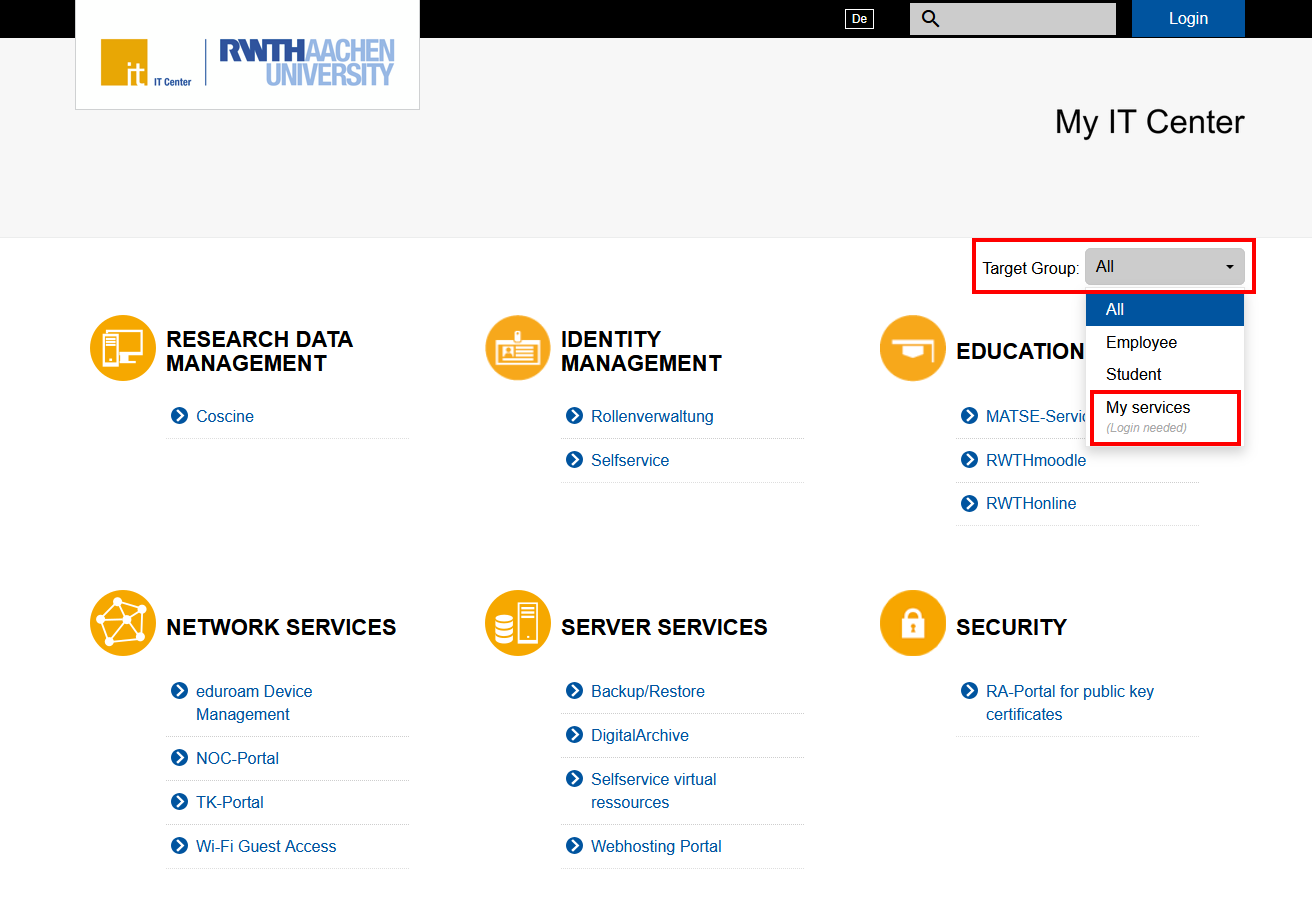
You can now see the services you can use.
