Change the email address for your single sign-on account

On this page, you’ll learn how to change your e-mail address in your Single Sign-On (SSO) account.
By default, your RWTH e-mail address is stored in your RWTH SSO account. Alternatively, your contact e-mail address is stored if you do not have an RWTH e-mail address.
The stored email address is shared with various RWTH services if that service requires the e-mail address for use of the service.
You can update your SSO e-mail address by changing your contact e-mail address or by selecting it in your RWTH SSO account:
- Apply the SSO email address when changing the contact email address
- Select SSO email address in your RWTH SSO account
Apply SSO email address when changing your contact email address
To update your SSO e-mail address when changing or setting your contact e-mail address, follow these steps:
Step 1
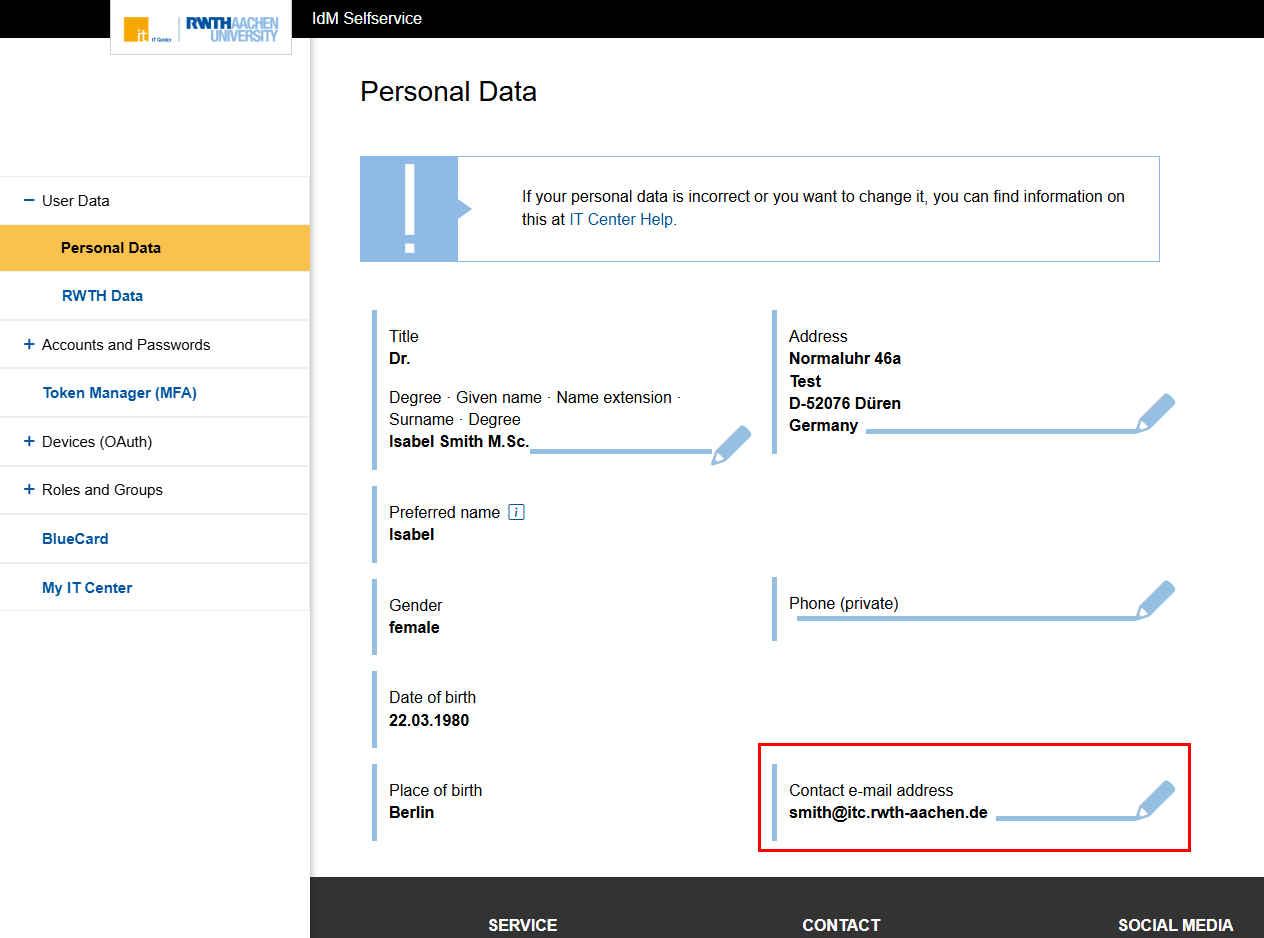
Go to the Personal Data section in IdM SelfService (opens in new tab).
Step 2
Click the pencil icon next to your contact e-mail address.
Step 3
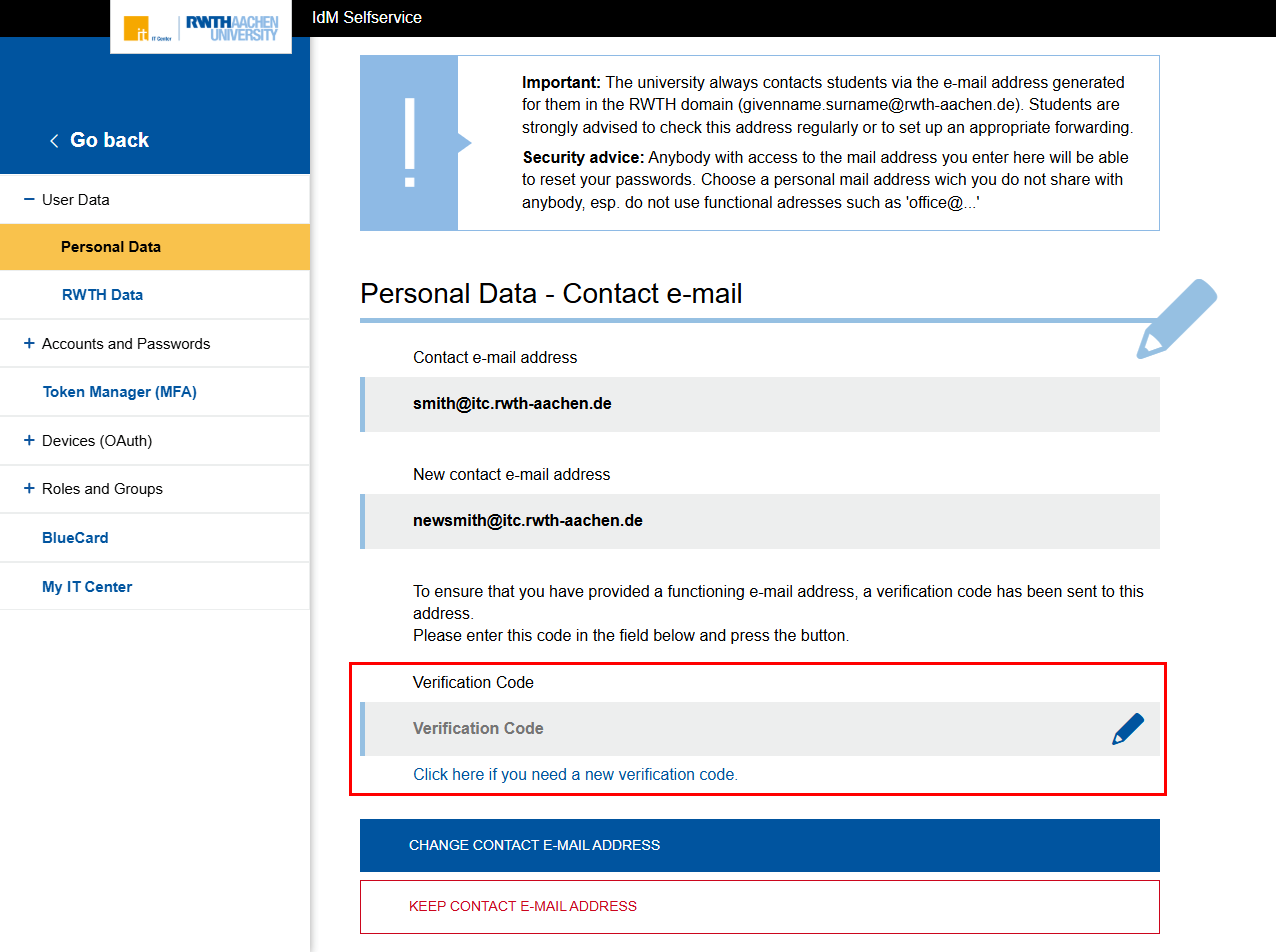
Enter your old and new contact e-mail addresses.
If you want your new contact e-mail address to be used as your new SSO e-mail address, check the box next to Also update SSO e-mail address. Otherwise, uncheck the box.
Confirm your entry by clicking Register new contact e-mail address.

Step 4
You will receive a verification code via email to verify your contact e-mail address.
Enter the code in the Verification Code field and confirm by clicking Switch to new contact e-mail address.
If you do not want to change the address, click Keep old contact e-mail address.
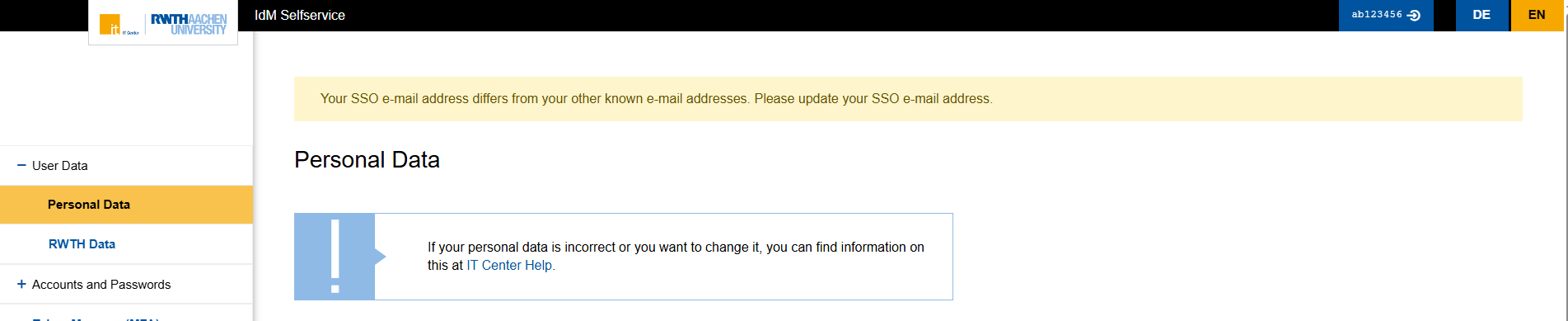
Note: If your SSO e-mail address differs from your other known email addresses, a warning message will appear in IdM SelfService:
Select the SSO email address in your RWTH SSO account
To change the e-mail address used in your RWTH SSO account, follow these steps:
Step 1
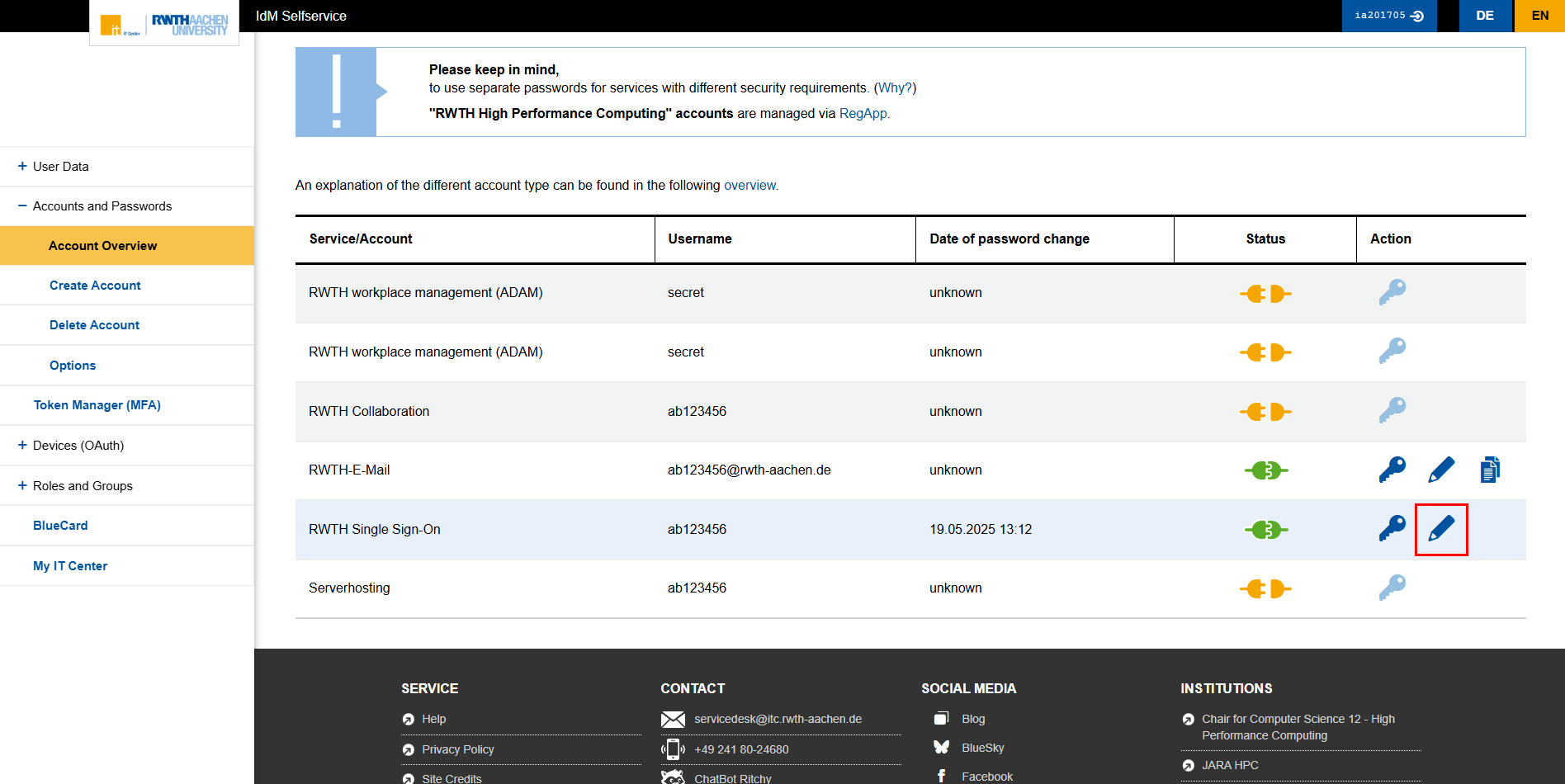
Go to Self-Service and navigate to Accounts and Passwords.
Click the pencil icon next to the RWTH Single Sign-On entry.
Step 2
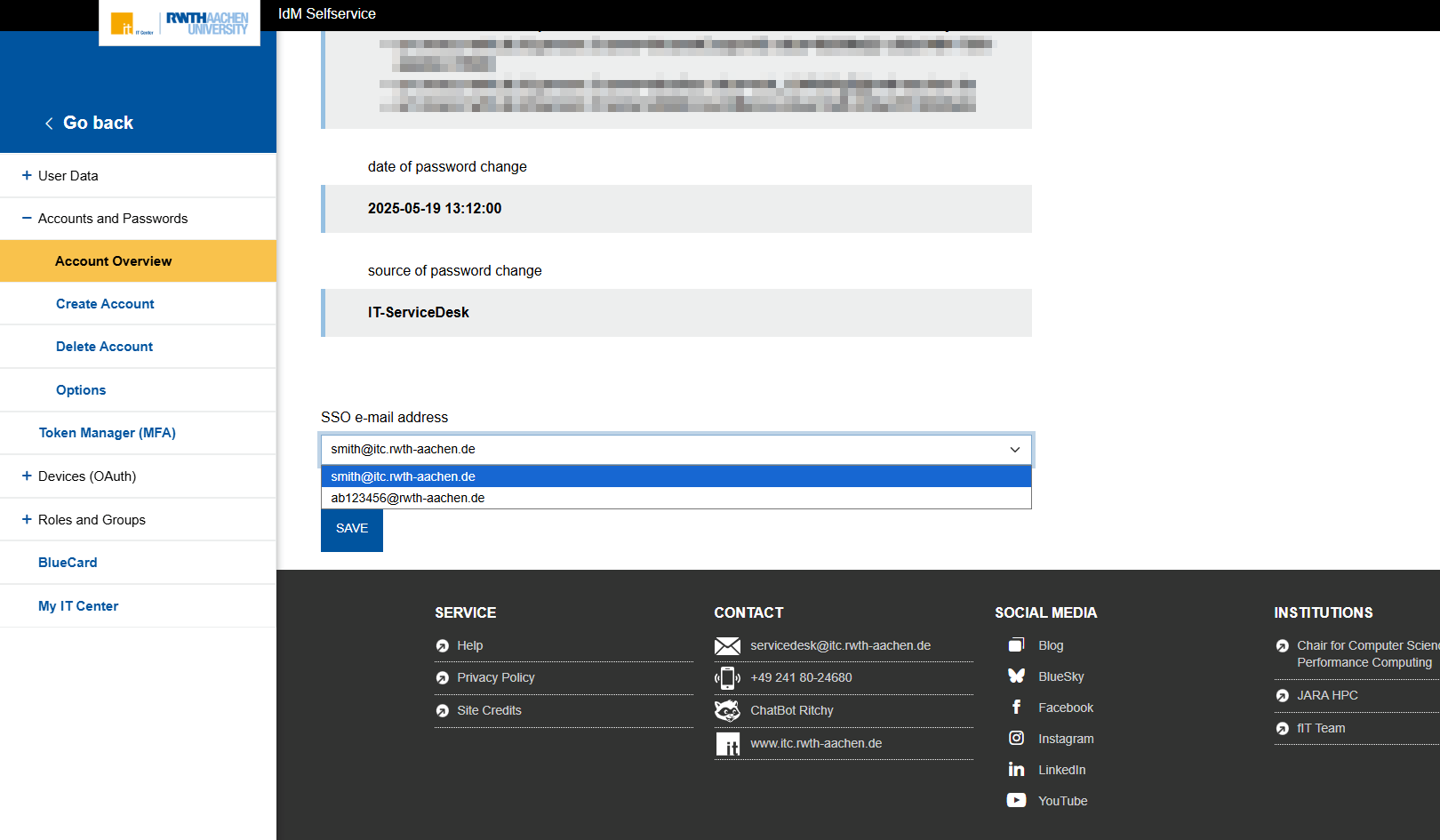
Scroll down to the SSO e-mail Address entry and select the email address you want to use for your RWTH SSO account from the drop-down menu.
Known e-mail addresses include:
- Contact e-mail address in IdM SelfService
- RWTH e-mail address vorname.nachname@rwth-aachen.de
- E-mail address stored in the directory of persons
- E-mail address stored at Aachen University Hospital
Confirm your selection by clicking Save.
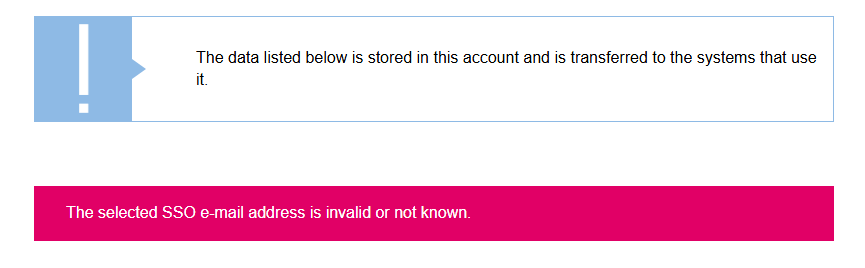
Note: If the SSO e-mail address you selected is invalid or unknown, it cannot be used, and a warning message will appear.