Call Waiting

If a call is currently active, the default setting is to decline additional calls with a busy signal.
By activating the call waiting function, you will be notified of additional incoming calls instead, and the caller will not be automatically declined.
This feature can be activated as follows:
Step 1
Call up the TK-Portal.
Step 2
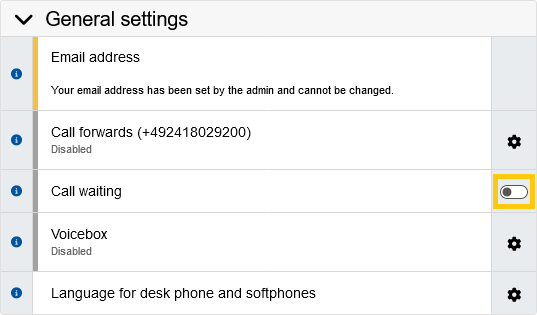
Navigate to the “General Settings” submenu.
Step 3
Click the slider next to the "Call waiting"function to activate call waiting.