Mute Calls on the Cisco Phone

There are 2 possibilities to mute an incoming call:
Ignore call
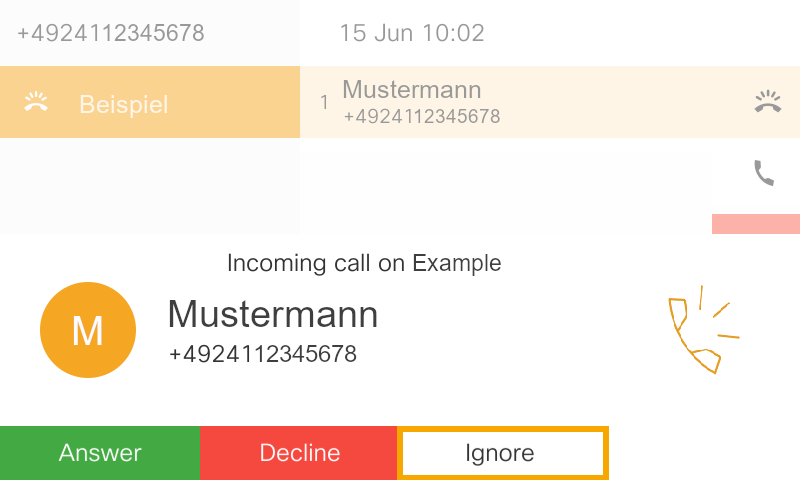
As soon as the call appears on your phone, you can press the soft key under “Ignore.”
The call is then ignored and the phone stops ringing.
Mute call
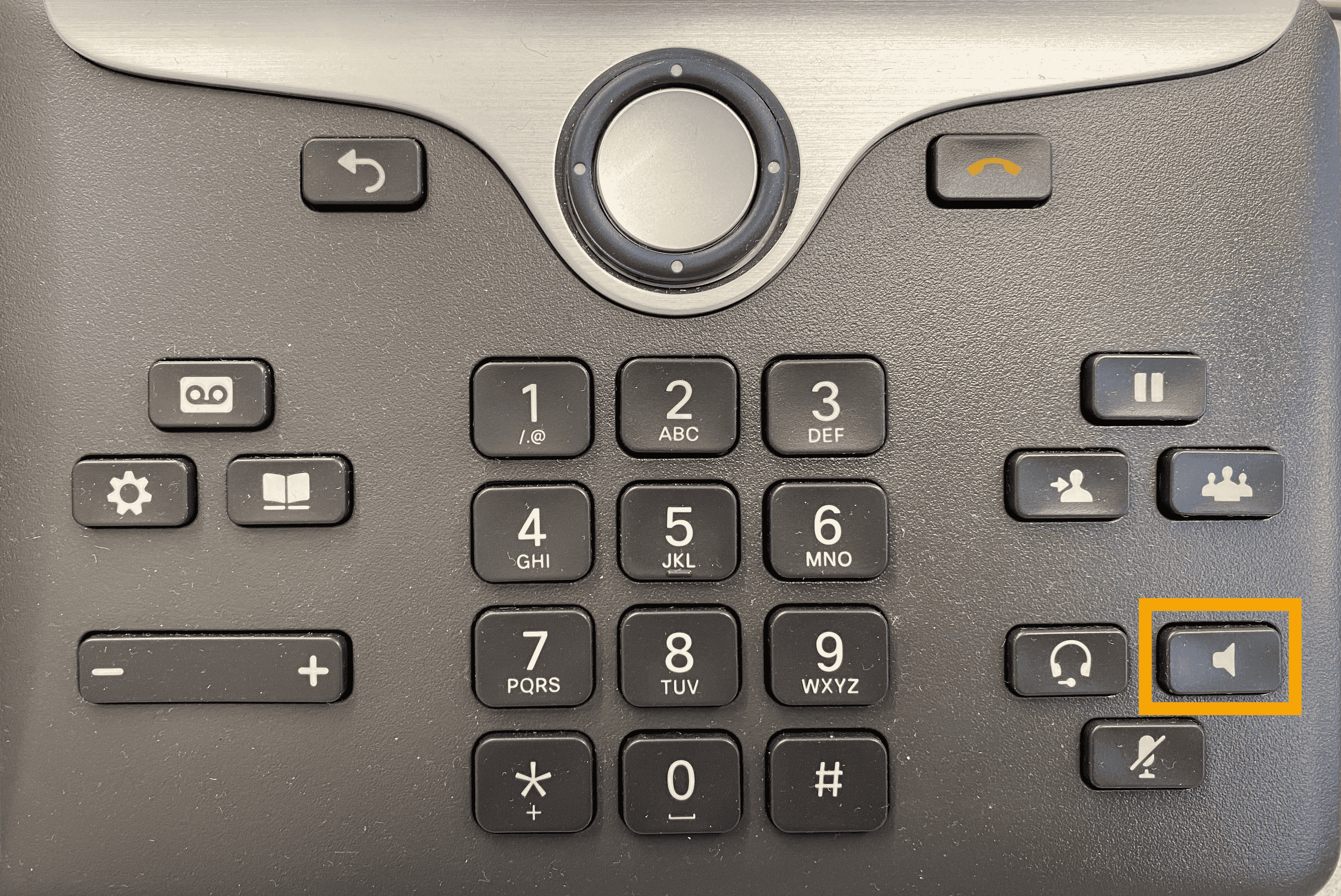
To mute a call, press the speaker button (13) on the phone while it is ringing.
The phone will go silent and the call will not be ignored.