Logging in and out of a Hunt Group


Note:
This documentation is only for users who are in hunt groups with their primary number. Those who are connected to groups with a secondary line are not subject to this information.
As long as you are a member of a hunt group, you will automatically be logged in and participate in that group.
It is important to note that logging in or out of hunt groups has to be done separately for each client you use. If you, for example, sign out of a group in Webex on Windows, all other clients (Telephone, Android Webex, MAC Webex, IOS Webex) will still be logged in to that group.
To login or logout from a hunt group, proceed as follows:
Step 1
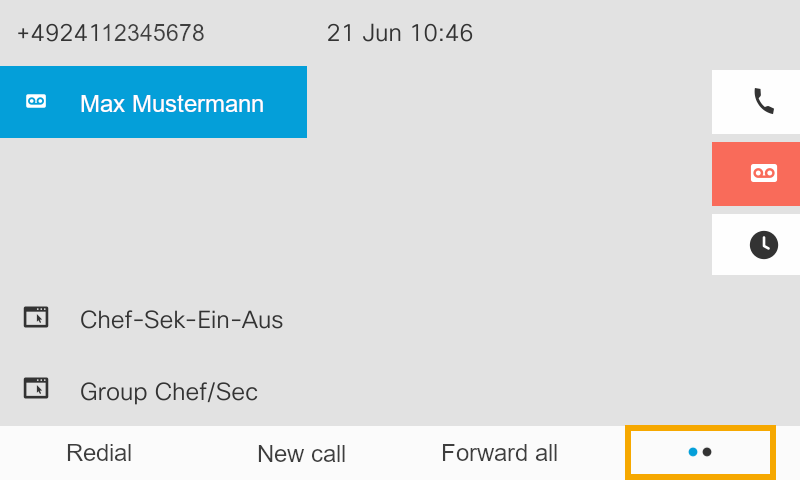
Press the soft key with the2 dots.
Step 2
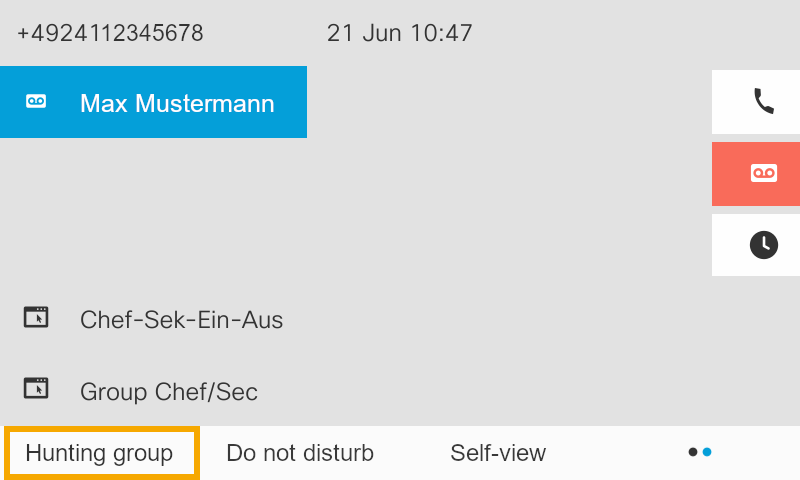
Press the Hunting group soft key
Step 3
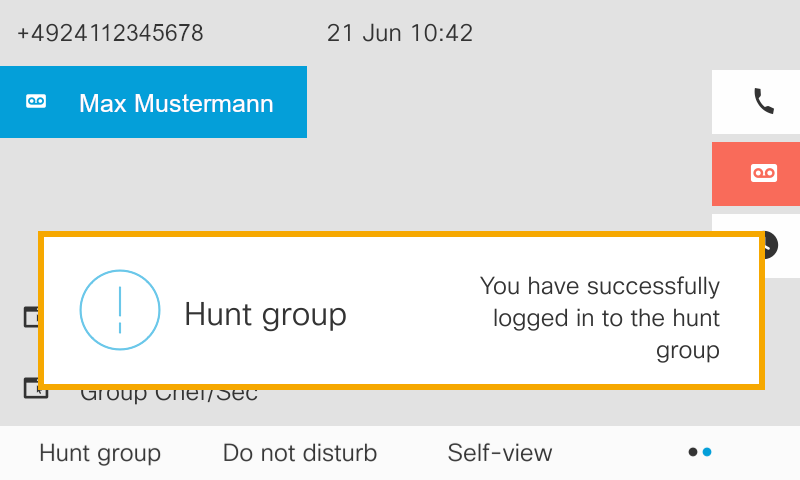
Afterwards you will receive one of the two messages.