Find HPC Account Username

If you didn’t write down your HPC account username during registration or have forgotten it, follow these steps to retrieve it:
Step 0
This manual requires that you either have an existing HPC account or are currently in the process of setting up your HPC account.
Step 1
If you are already logged into the RWTH RegApp, proceed directly to Step 2. Otherwise, follow the manual Login RWTH RegApp.
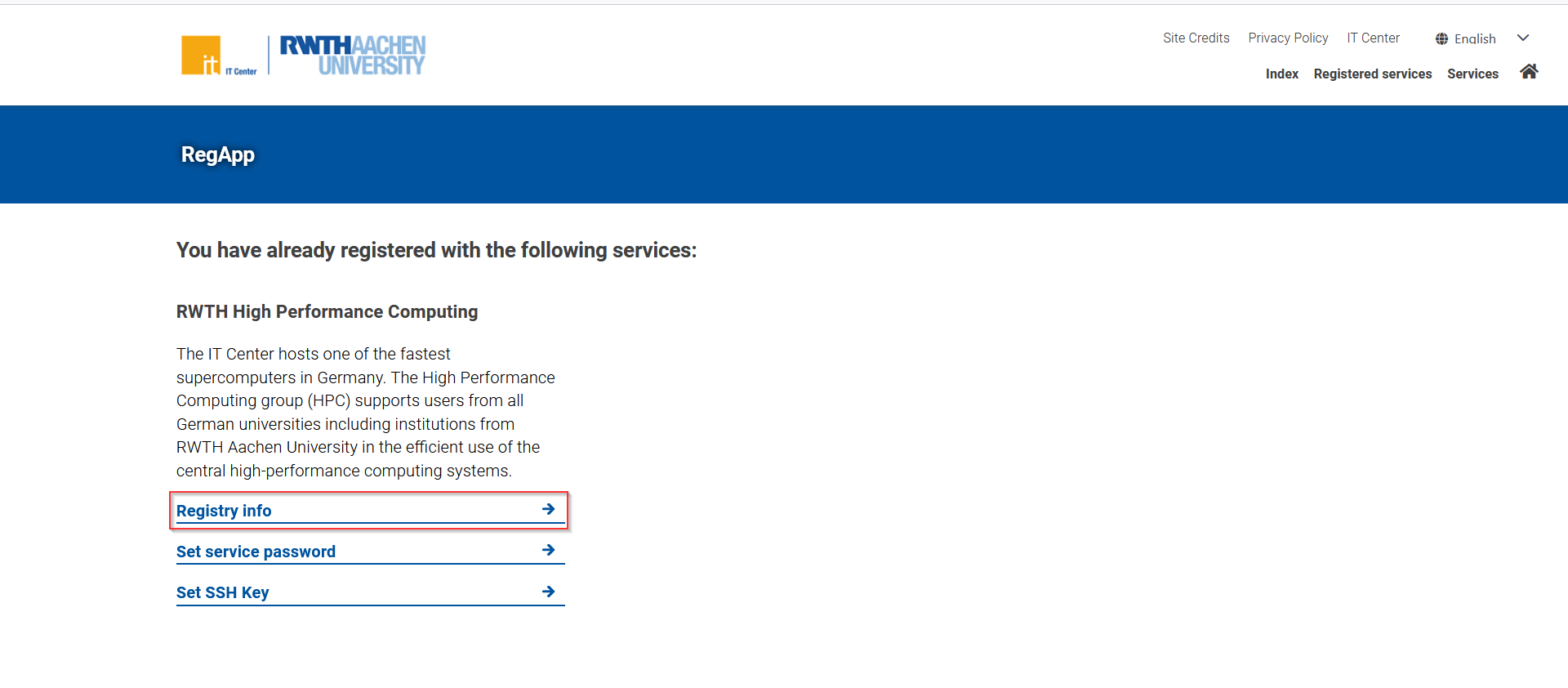
On the RWTH RegApp dashboard click on the "Registry info" button as highlighted in the screenshot.
Step 3
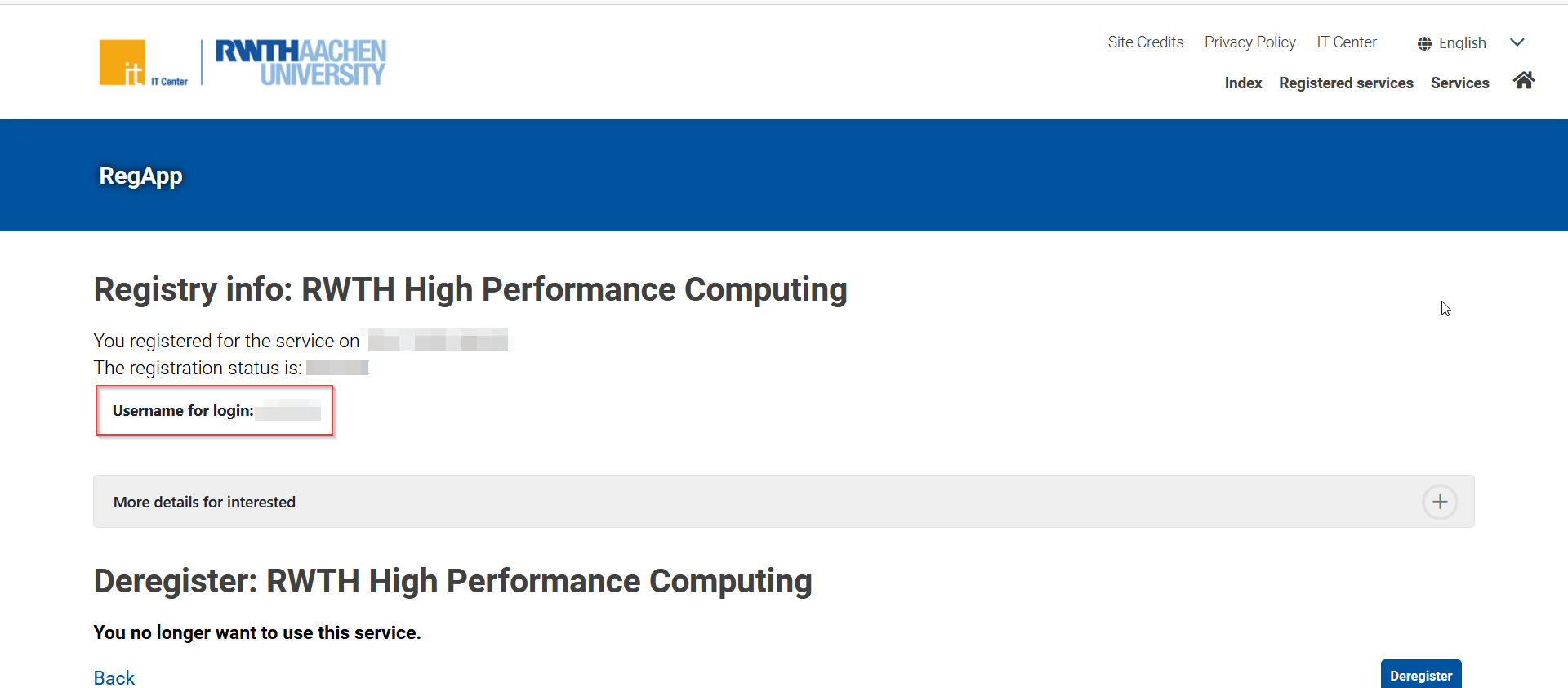
On the Registry Info page, locate your registration details. Here, you'll find your HPC account username needed for login.