


Record personalized greeting for voicemail via Webex

A standard Webex greeting is used as the default greeting for your voice mailbox. You can replace the standard greeting with a personalized greeting.
To record a personalized greeting, follow these steps:
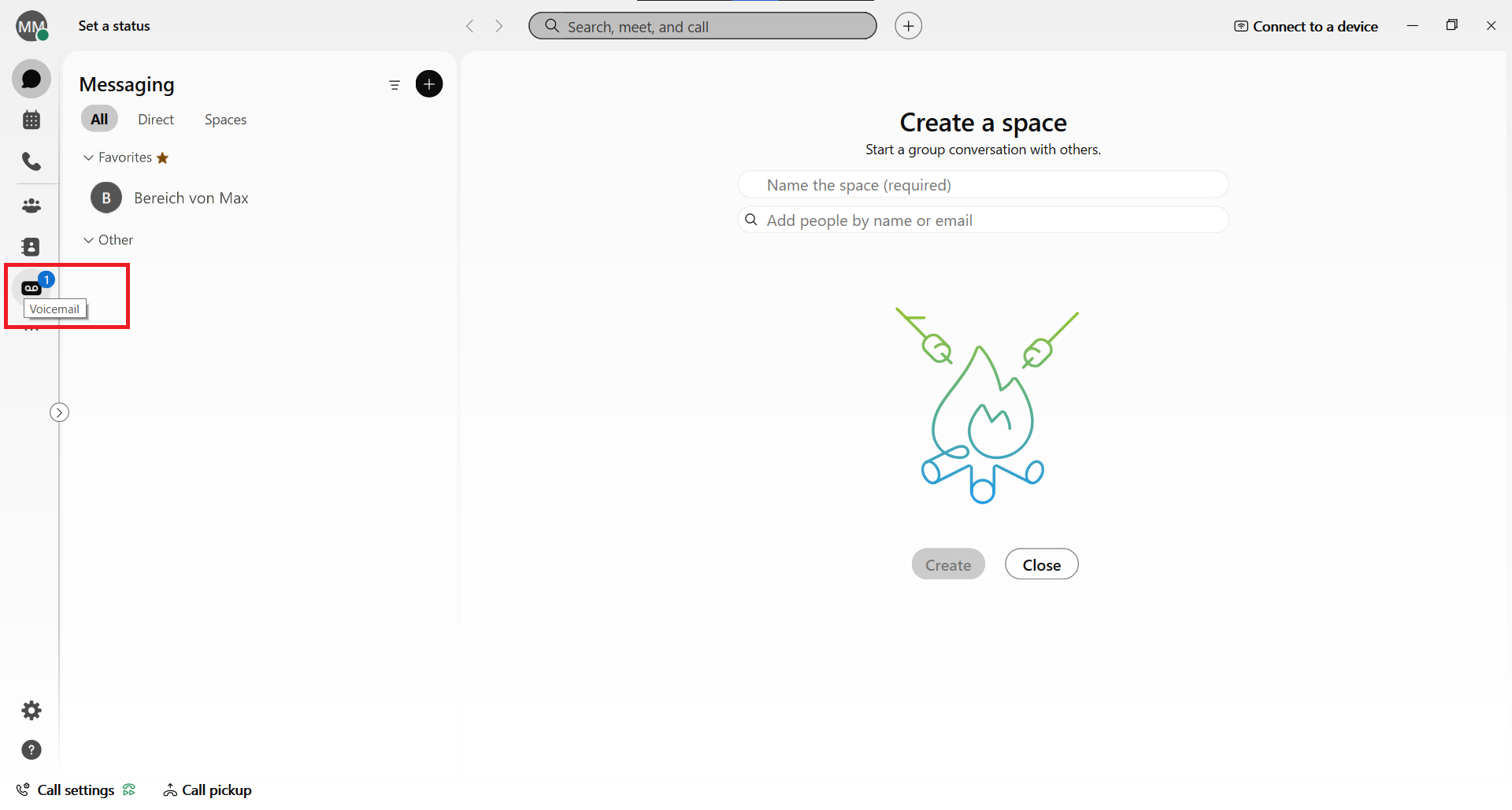
Step 1
Call up the voicemail using the "tape"-Button.
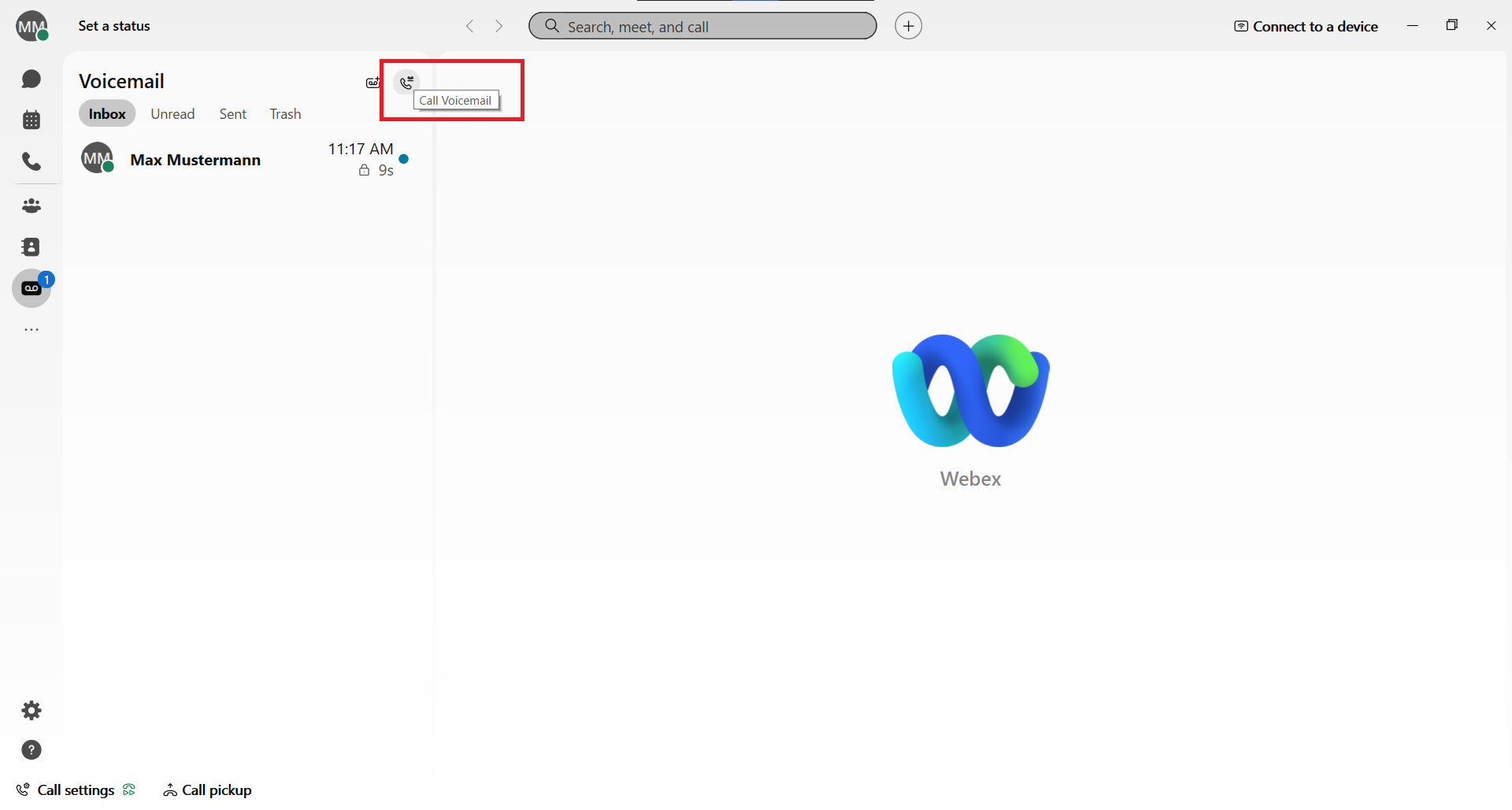
Step 2
Click on the "handset"-symbol next to voicemail to access the configuration menu.
Step 3
Follow the instructions:
- enter your voicemail PIN and confirm with "#"
- press 4 to choose set-up options
- press 1 to change the greeting
- choose a greeting language
- choose a kind of the greeting you want to record
- press 1 for recording
