Moodle

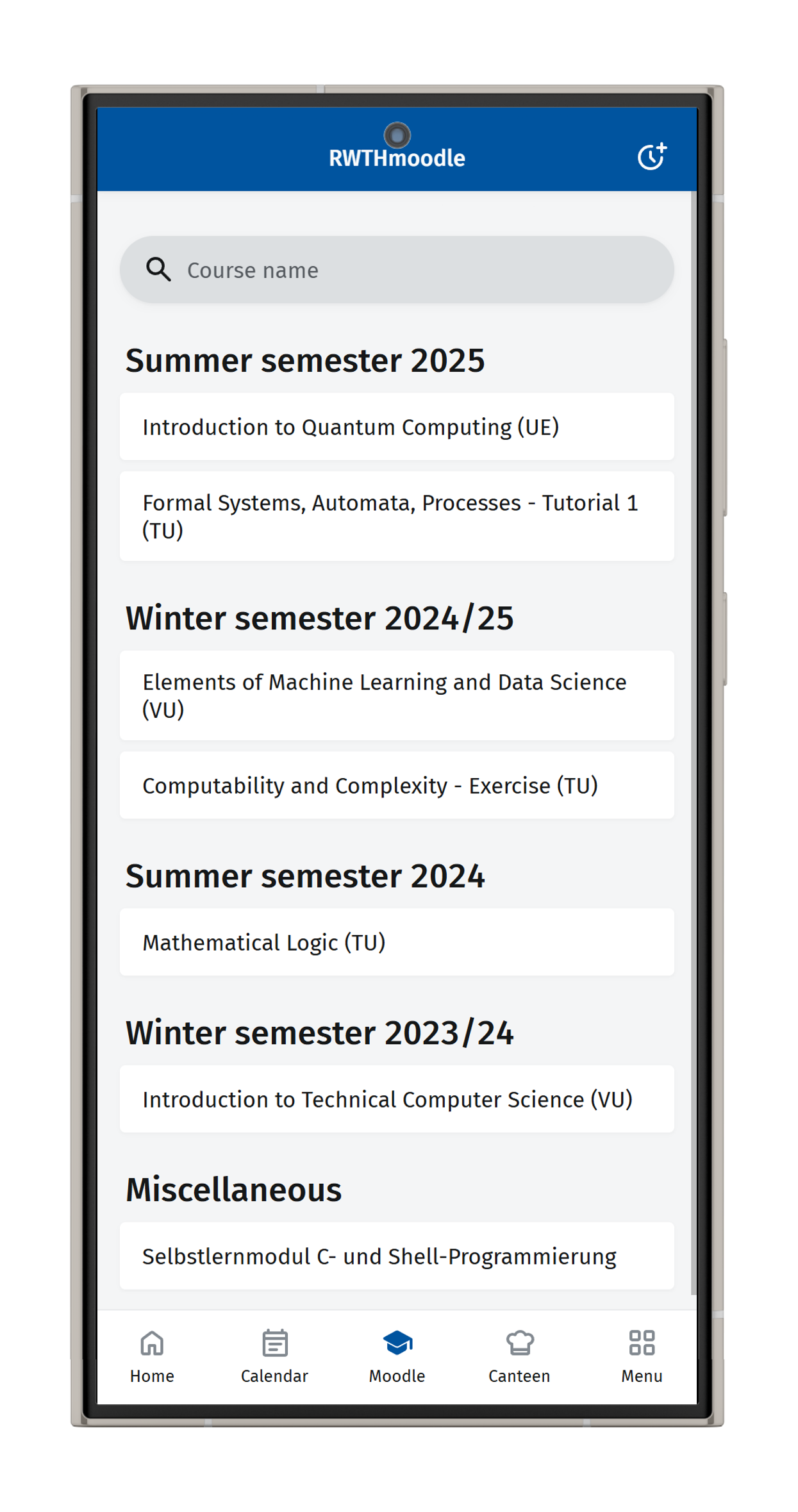
On this page, you will find information about the Moodle function of RWTHapp.

Via the Moodle button, you can access RWTHmoodle. Select a lecture to download files in the download center, view grades under assessments, or access the course room via the Open in browser link.
Participants can download materials from course rooms in RWTHmoodle, but cannot upload materials to a course room via the app.
The course rooms of the past six semesters are available: