Filter

On this page, you will learn how to mark entries and then filter them.
Use the Markieren button (Mark button) to mark a post with a color:

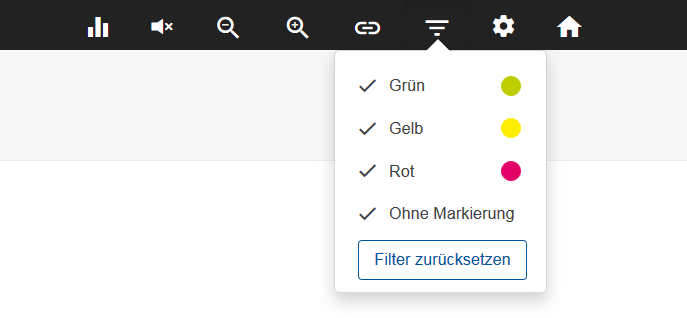
You can then filter the posts by color using the Filter icon in the taskbar:



On this page, you will learn how to mark entries and then filter them.
Use the Markieren button (Mark button) to mark a post with a color:
You can then filter the posts by color using the Filter icon in the taskbar:
last changed on 04/21/2026
