Canteen

On this page, you will find information about the canteen function of RWTHapp.
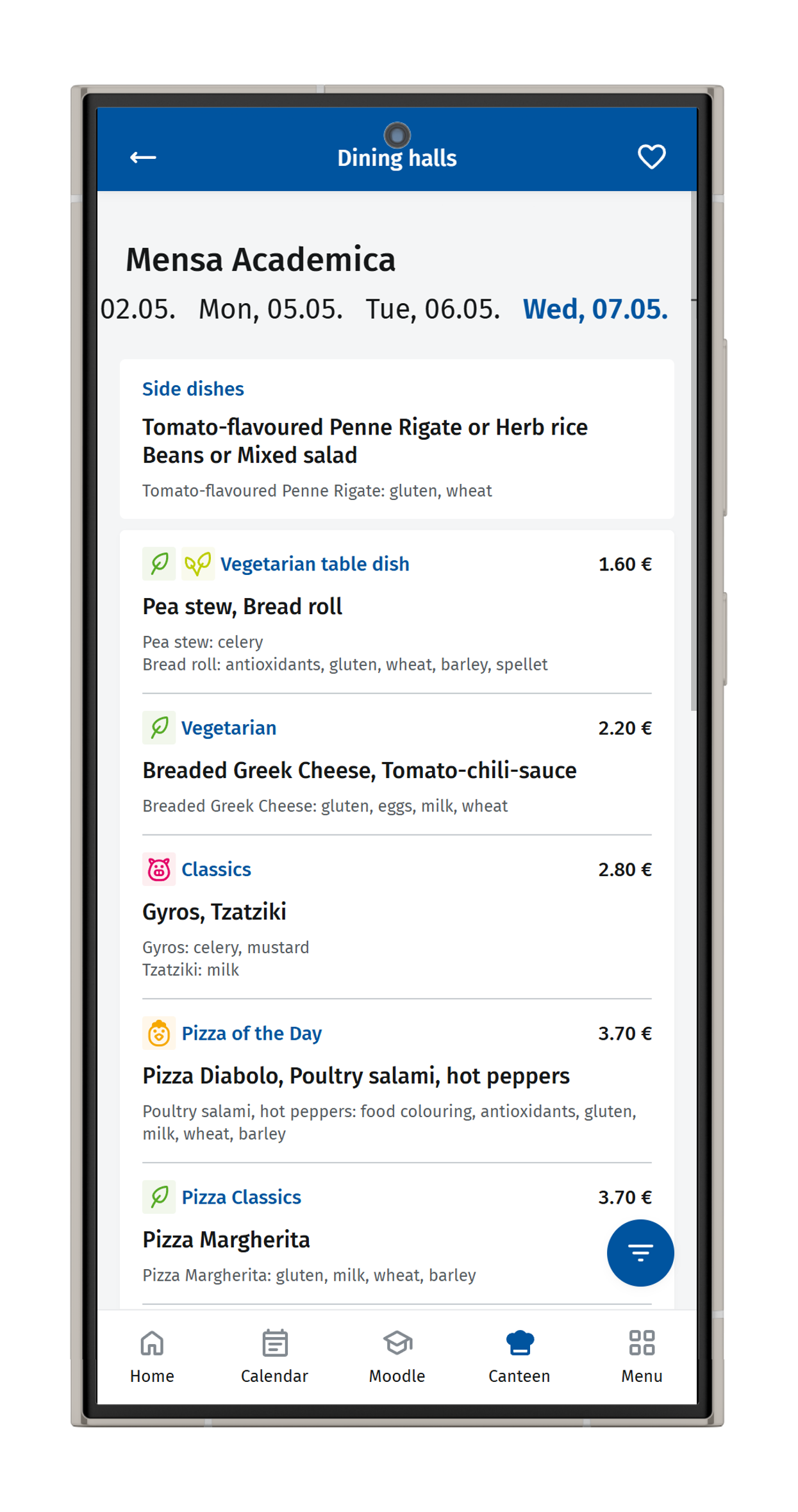
Using the canteen feature, you can find canteens, view opening hours, check current menus, and get information about allergens and special dietary requirements.

Note
The information regarding canteens and menus is taken from the Studierendenwerk (opens in new tab) website. Therefore, actual menus and opening hours may vary at short notice.
Use the canteen icon in the app's navigation bar. Below each canteen, you will find its address and opening hours. Click on the blue diamond with the arrow to start navigating to the respective canteen.
Click on the name to select a canteen. You will be shown the dishes for the current day. You can change the date in the header.
To hide allergens or special dietary requirements, select the blue circle with the three white lines in the bottom right corner of the screen: