


Forgot Login Credentials

This page explains how to reset the password and see the username of your Mailman-Account.
Step 1
Open Mailman.
Step 2
Click Sign Up in the top right corner.
Step 3
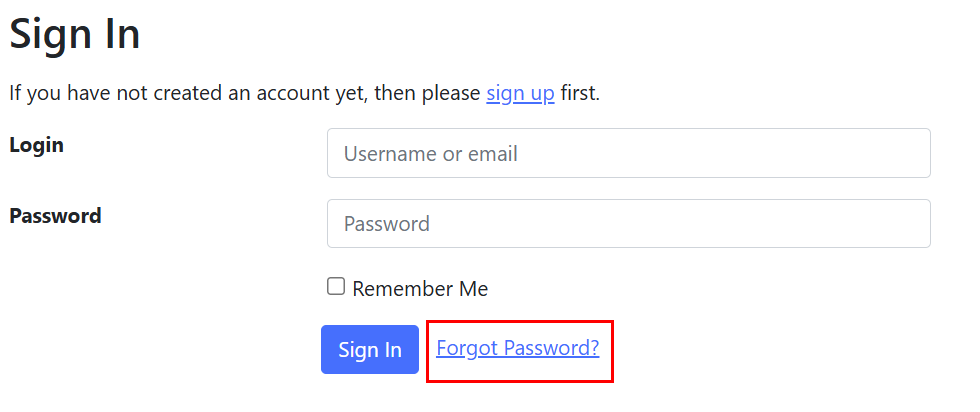
Click Forgot Password.
Step 4
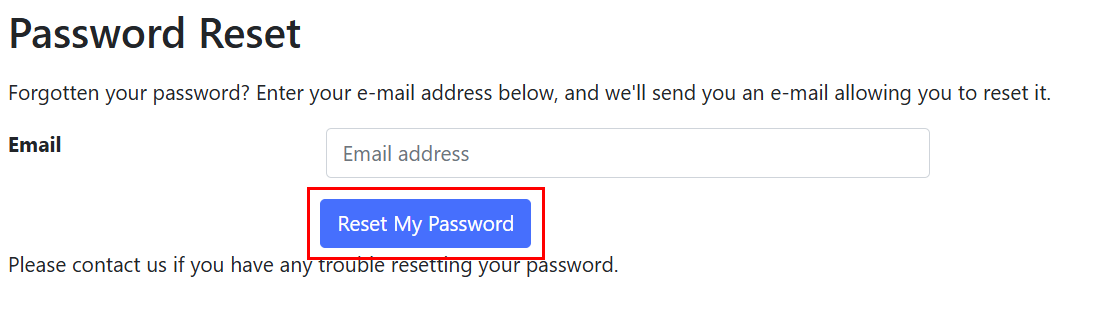
Enter the email address you used to create your account, and click Reset My Password.
Step 5
You will receive an email with subject line "[lists.rwth-aachen.de] Password Reset Email]".
- You can find your username in this email.
- To reset your password, click on the link.
Step 6
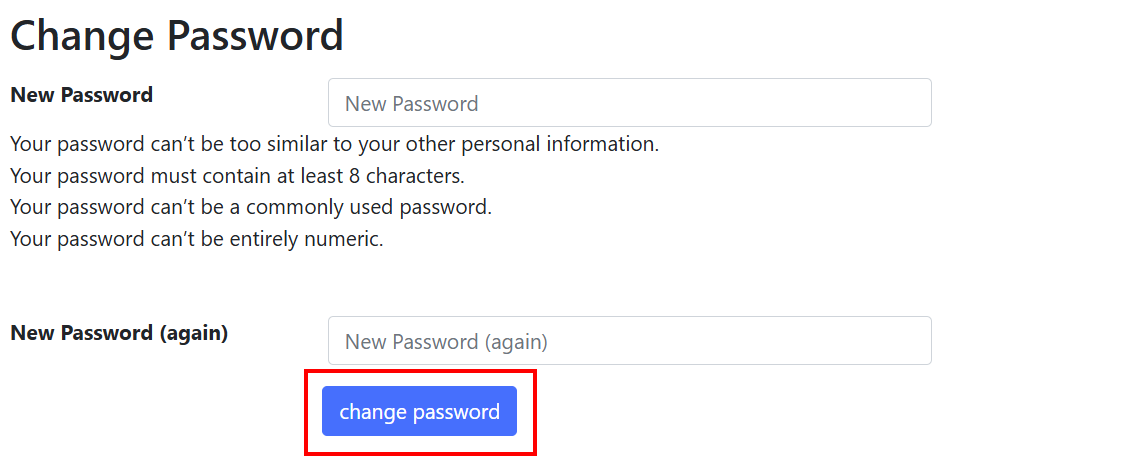
Enter your new password in both fields. Then, click Change password.
Your password has been changed. You should now be able to login.
