


Overview RWTH People Directory

The RWTH People Directory is a sub-service of RWTHcontacts from which all relevant personal data are synchronised with RWTHcontacts.
Login to the RWTH People Directory is via RWTH Single Sign-On. After login, you can access the following areas, depending on your permissions:
SelfCare area
People with at least one organizational affiliation have access to the SelfCare area of the RWTH People Directory.
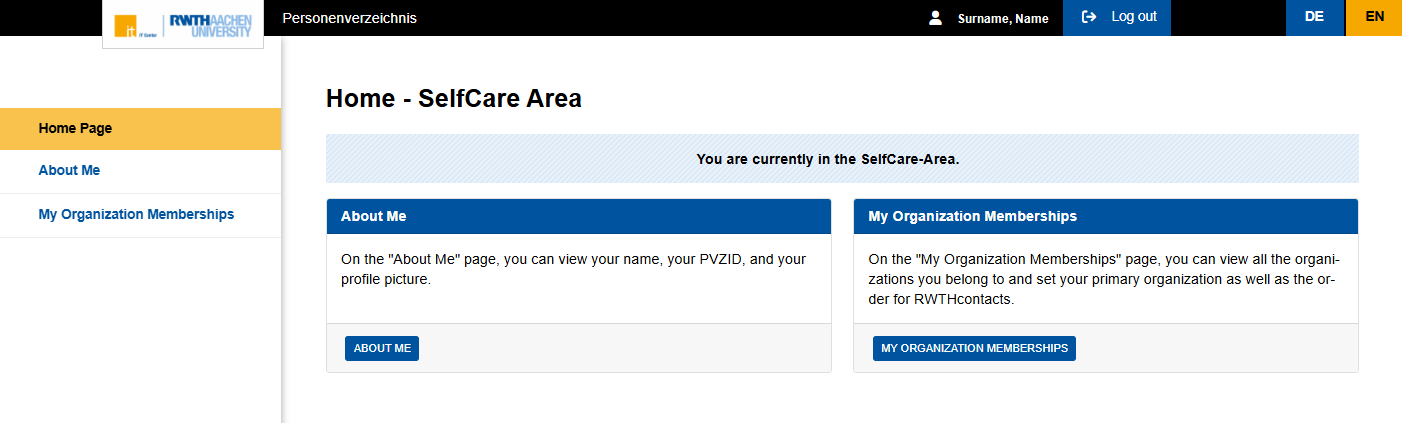
On the home page, you can select the sections of the SelfCare area:
- About Me
- My Organization Memberships
Organization area
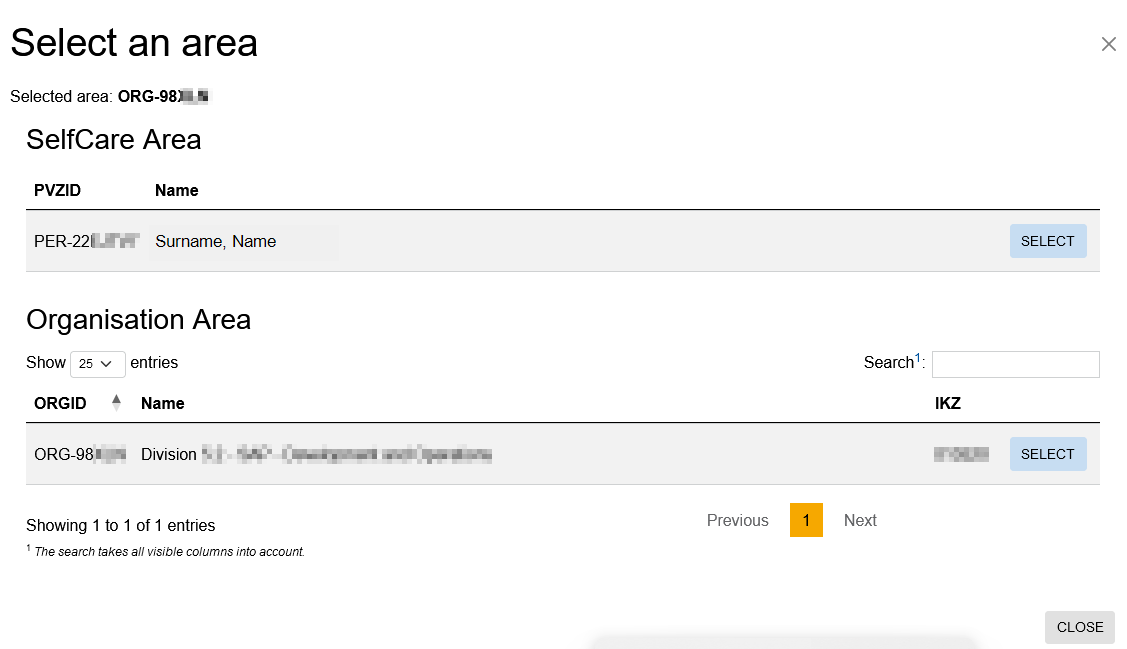
People with the role "Verwaltung Organisation" see the area selection after signing in to the RWTH People Directory and can switch between the SelfCare area and the Organization area:
Organization administrators can assign all people belonging to their organization and then maintain these people’s official addresses and contact details within their organization (people). If a person is assigned to an organization in the RWTH People Directory, a link between RWTHcontacts (PVZ People Directory) and the Identity Management is established within 40 minutes.
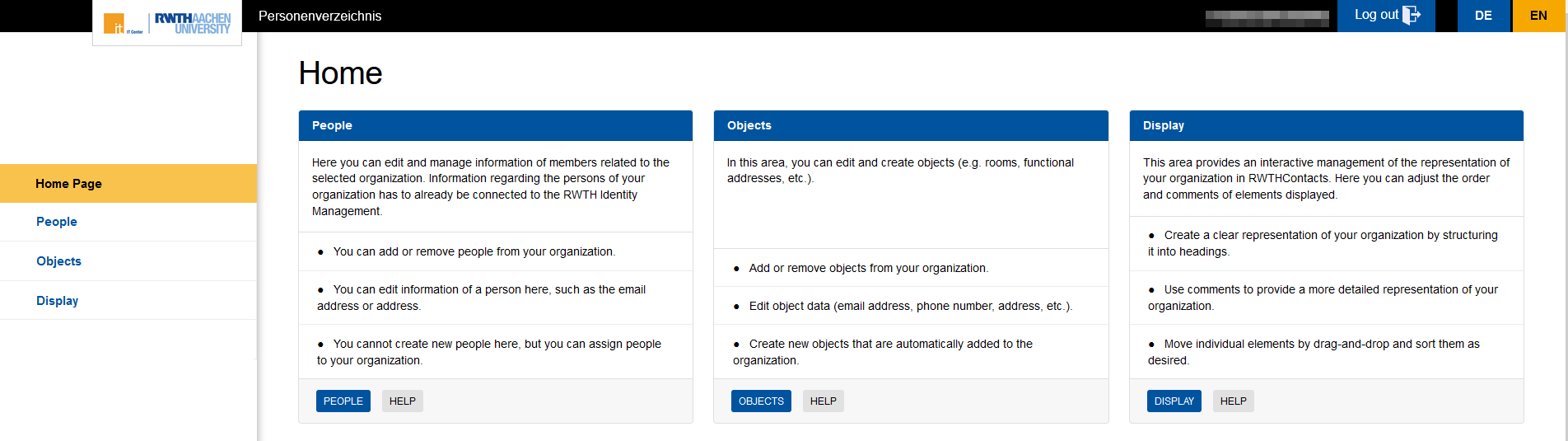
On the home page, you can select the components of the Organization area:
- People
- Objects
- Display
Use the button in the page header to switch between the SelfCare area and the Organization area.
If you manage multiple organizations, you can use this button to select a different organization:

