


Decrypting vaults

On this page, you'll learn how to unlock a safe
To unlock the vault, proceed as follows:
Step 1
Click on the large Unlock button in the main window of the Cryptomator app.

Step 2
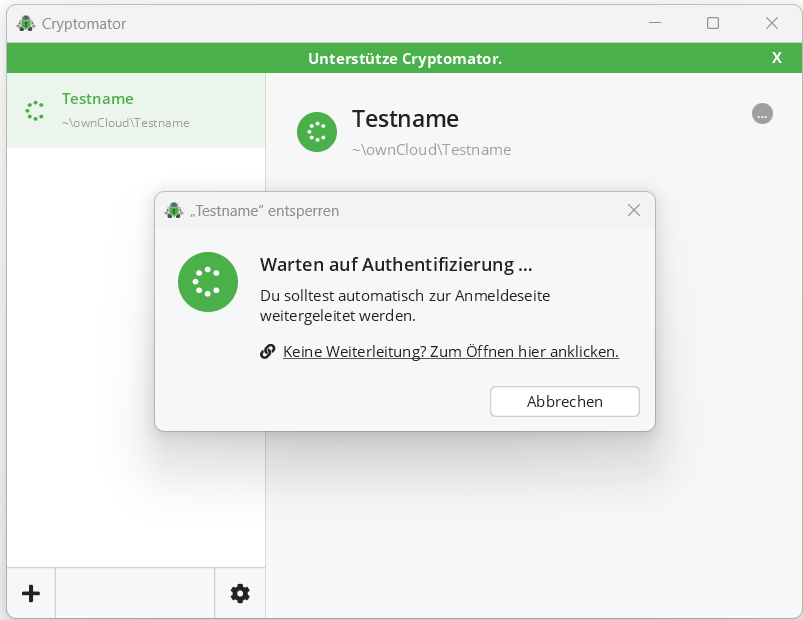
The Unlock vault name window opens and Cryptomator opens your default browser for authentication on the Cryptomator website.
Step 3
Enter your login details here and confirm them by clicking on Sign In.
If you are already logged in to Cryptomator Hub in your browser, this step will be skipped.

When you log in to Cryptomator Hub for the first time, you will be asked to set up your account.
If you have just set up your account, the vault owner must grant you access to the desired vault as described here. Try to unlock the vault again after the vault owner has granted you access.
