Create a new vault

This page describes how you can create a vault.
To do so, please proceed as follows.
Step 1
Navigate to the vault list and click on the Add > Create new button in the top right-hand corner.
Step 2
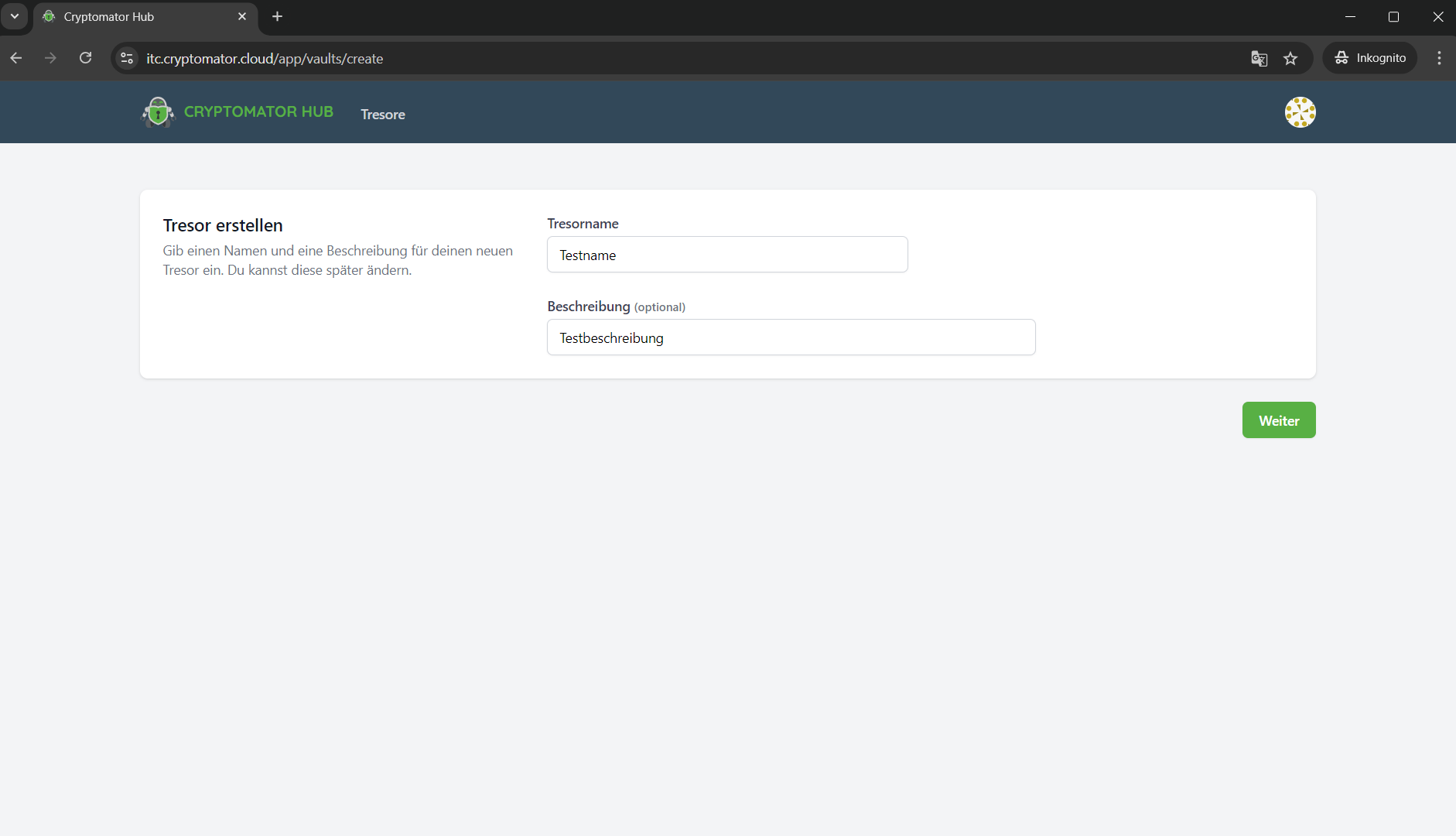
Enter a vault name and optionally a vault description.
Then click on Continue (Weiter).
Step 3
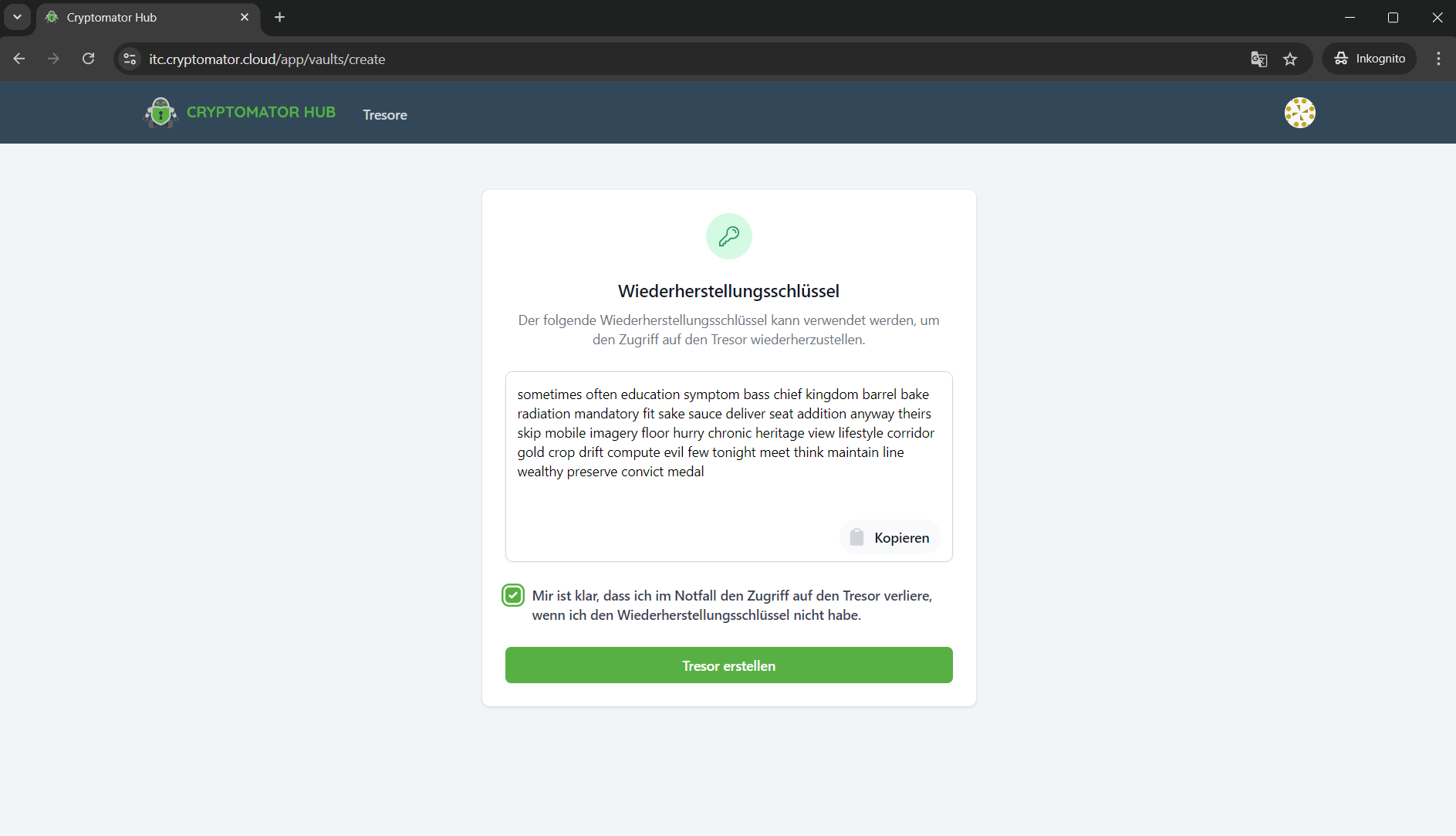
The recovery key of the vault is displayed. It can enable access to the vault data in an emergency, e.g. if Cryptomator Hub fails.
Save the recovery key in a safe place.
Then tick the checkbox.
Finally, click on Create vault (Tresor erstellen).
Step 4
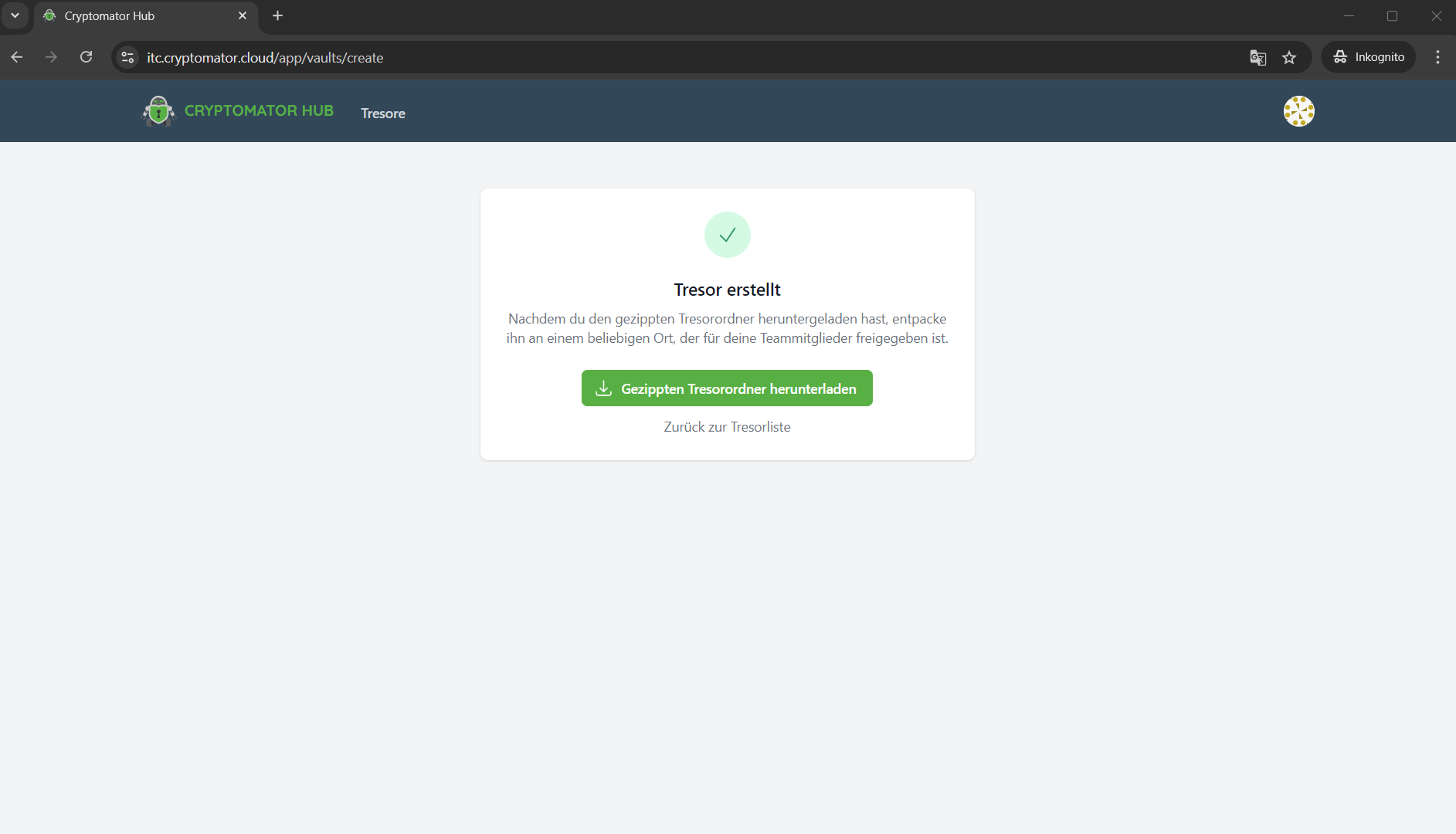
The setup is complete.
Once the setup is complete, you can download the vault template (zip file) and store it in your desired synchronised storage location. You can unlock the vault with Cryptomator to store data in it. If you skip this step, you can download the template later.