


Reasoning

This page explains what the Reasoning Level does and which level you should choose for different tasks.
The Reasoning Level determines how much reasoning effort the AI model invests before answering a request. A higher Reasoning Level can lead to better results for complex tasks, but it also increases response time and resource usage. A higher Reasoning Level does not replace fact-checking and does not guarantee a correct answer.
Selecting the Reasoning Level
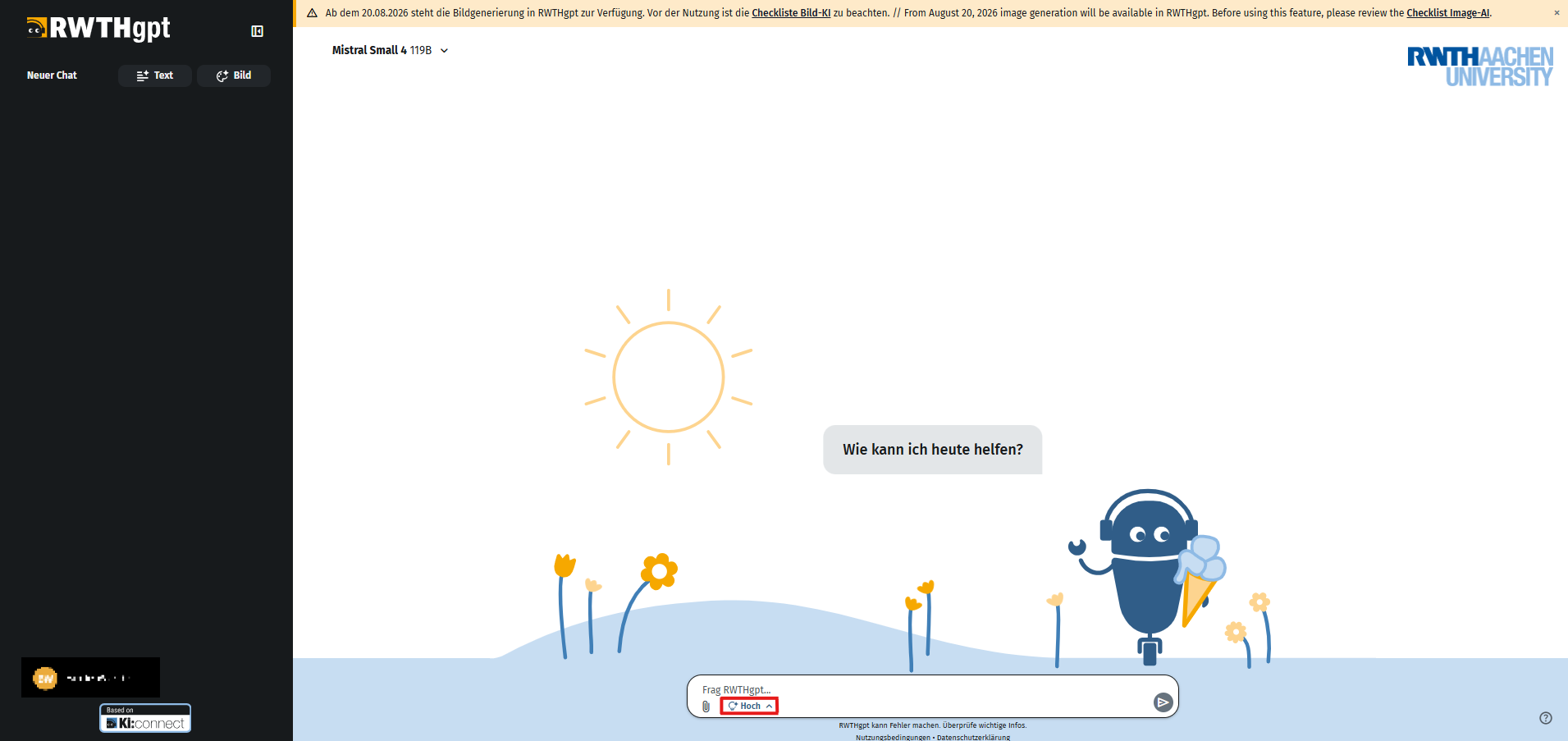
The Reasoning Level can be selected using the dropdown menu to the left of the text input field.
Choose Low Reasoning for simple tasks where a quick answer is sufficient.
Choose Medium Reasoning as the default for most tasks.
Choose High Reasoning for complex or error-prone tasks that require multiple steps, dependencies, or numerous requirements to be taken into account.
Recommended Approach
As a starting point, it is recommended to use the Medium Reasoning Level. Increase the level to high if a response is superficial, incorrect, or incomplete, or if a task is particularly complex and errors should be avoided. Reduce the level to Low if a faster response time or lower resource consumption is more important than the most comprehensive response possible.
Examples of Use
Low
- Translations
- Rephrasing and corrections
- Short summaries
- Information extraction
- Simple coding questions
Medium
- Technical explanations
- Text and email composition
- Comparisons
- Simple to moderately complex programming tasks
- Minor planning tasks
- Brainstorming
High
- Complex debugging
- Mathematical or logical problems
- Advanced programming tasks
- Architecture or design decisions
- Multi-step planning
- Tasks and analyses with many requirements
Note: Always verify answers, especially for important or critical tasks, regardless of the selected Reasoning Level.
