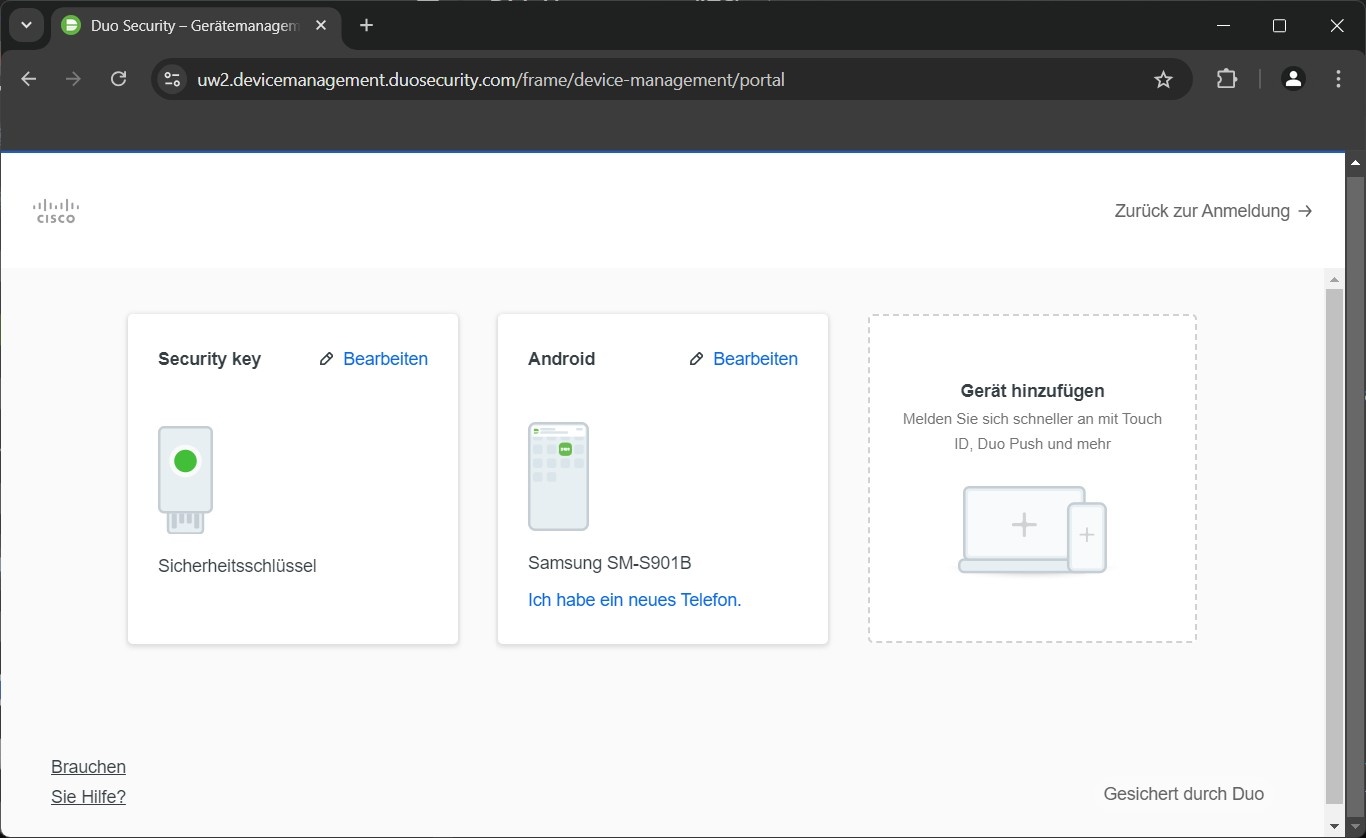
Change multifactor authentification

On this page, you will learn how to change the multi-factor authentication settings for your Cisco Secure Endpoint administrator account.
To change the multi-factor authentication settings for your administrator account, follow these steps:
Step 1
Log in to the Cisco Secure Endpoint Cloud Console (opens in new tab).
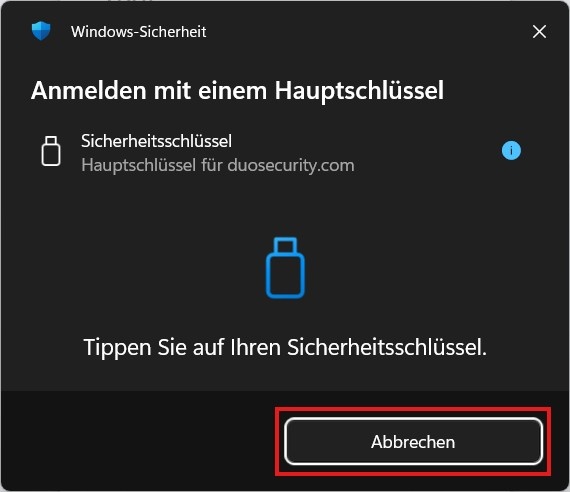
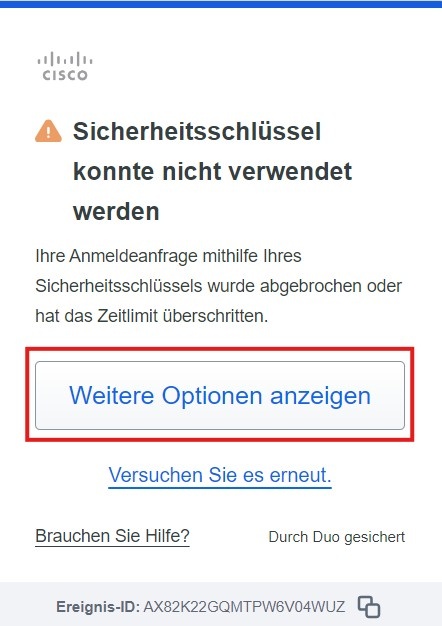
When logging in, enter your username and password, but DO NOT confirm the second-factor prompt; instead, click Cancel (Abbrechen) and then click Show More Options (Weitere Optionen anzeigen).
Note: Depending on the operating system you are using and which factor you currently have set up, the dialog boxes in this step may vary slightly. However, the Show More Options button should always be present.
Step 2
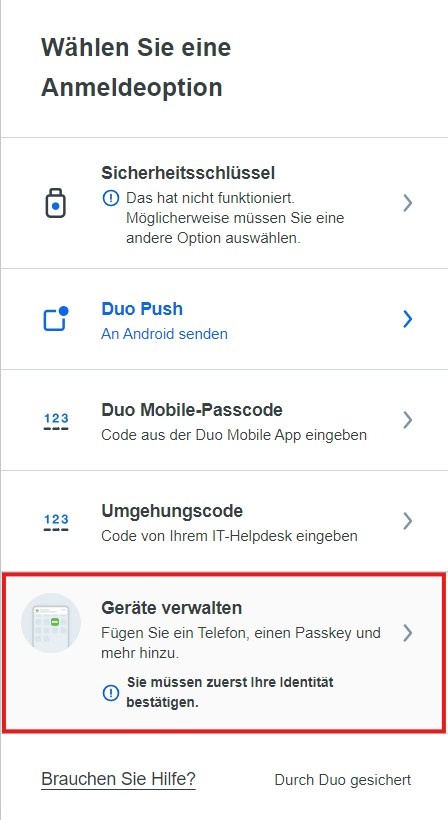
In the following dialog box, select the last option, Manage Devices (Geräte verwalten):
Step 3
You will be prompted again to log in using a previously configured two-factor authentication method.
Select the desired second factor and confirm it:
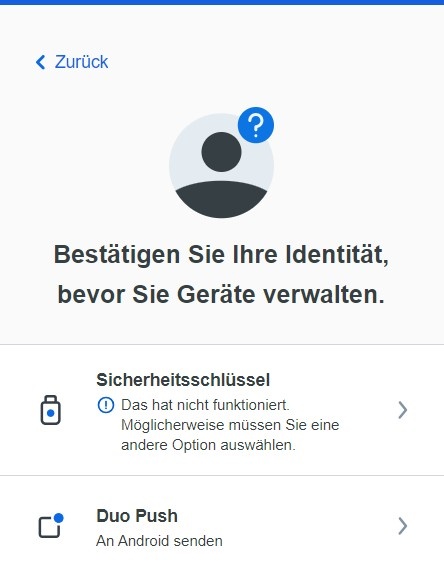
In the device management section of duo security, you can manage your devices for multi-factor authentication: