Use Overleaf in sciebo

On this page you will learn how to use Overleaf through sciebo.
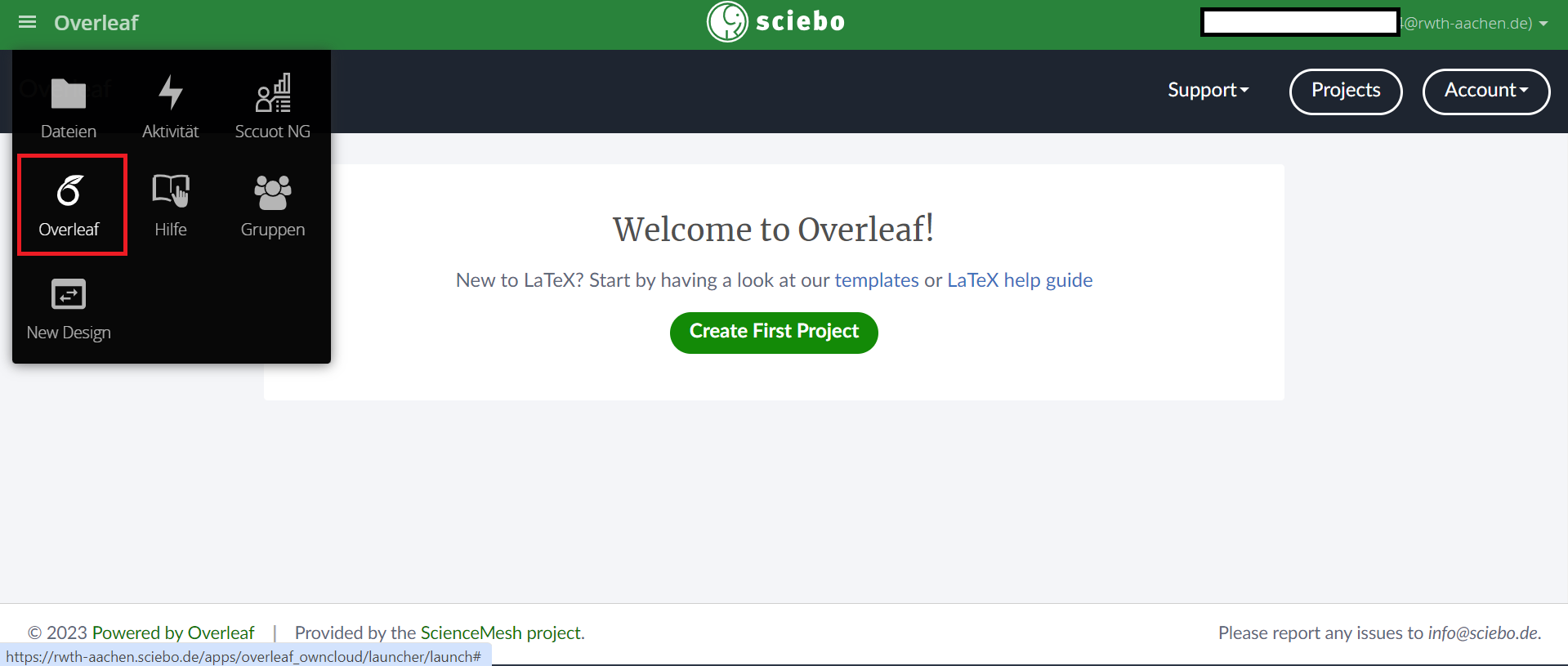
Members of RWTH Aachen University can register online free of charge to use the sciebo cloud service. The service offers an integrated Overleaf function that gives users access to the open source version of Overleaf. After logging into sciebo, (opens in new tab)you will find a button that leads to Overleaf, as shown in the image.