


RWTHjupyter Login


Note
The use of this cluster islimited to teaching-related activities. Please consult the Terms of Use for details.
This page explains how to sign in to RWTHjupyter.
Step 1
Open RWTHjupyter (opens in new tab).
Step 2
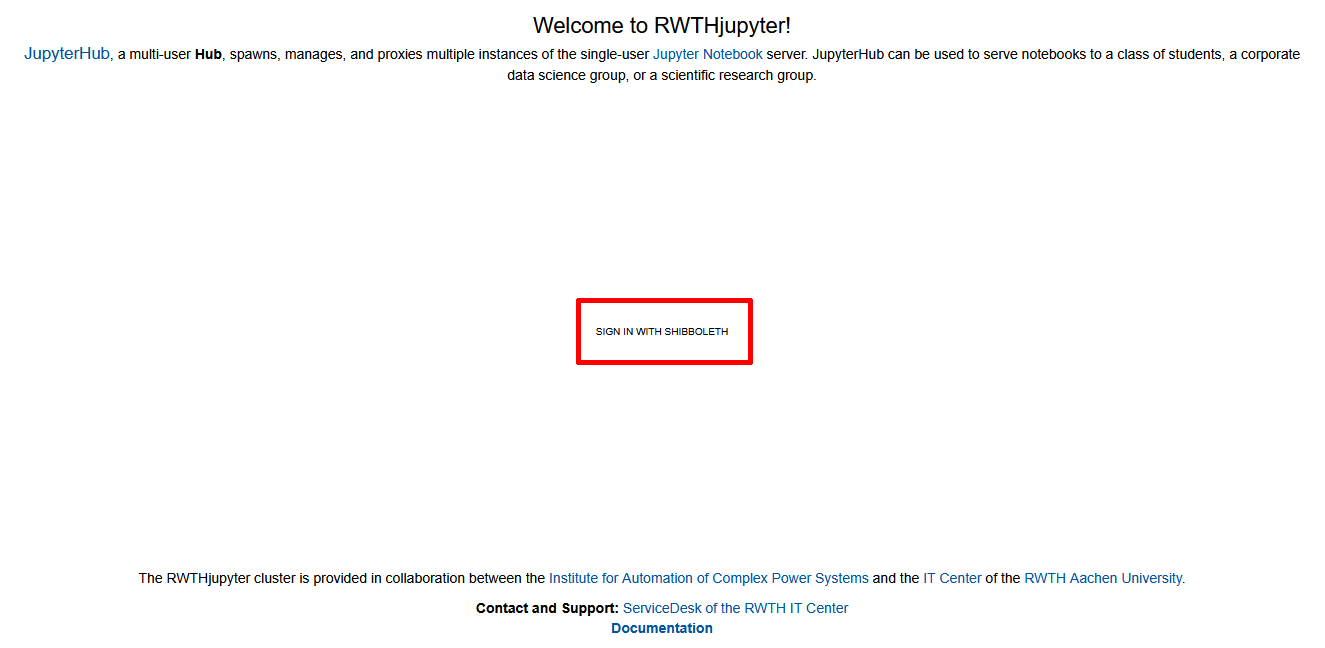
Click Sign in with Shibboleth:
Step 3
Select RWTH Aachen University from the menu labeled "Institution aus folgender Liste wählen" and click OK:

Step 4
Sign in with Single Sign-On.
