


Edit display name


Please note
The generic Backup & Restore documentation has moved and can be found here from now on: doku.dasi.nrw (opens in new tab).
In this tutorial you will learn how to change the display name of your client in a few steps by using the example of installc1.

- Log in to the Commvault Command Center at: https://console1.dasi.rwth-aachen.de/ (opens in new tab) with <egal@rwth-aachen.de>.
- In the corresponding overview, here for example 'File Servers', select your corresponding client.
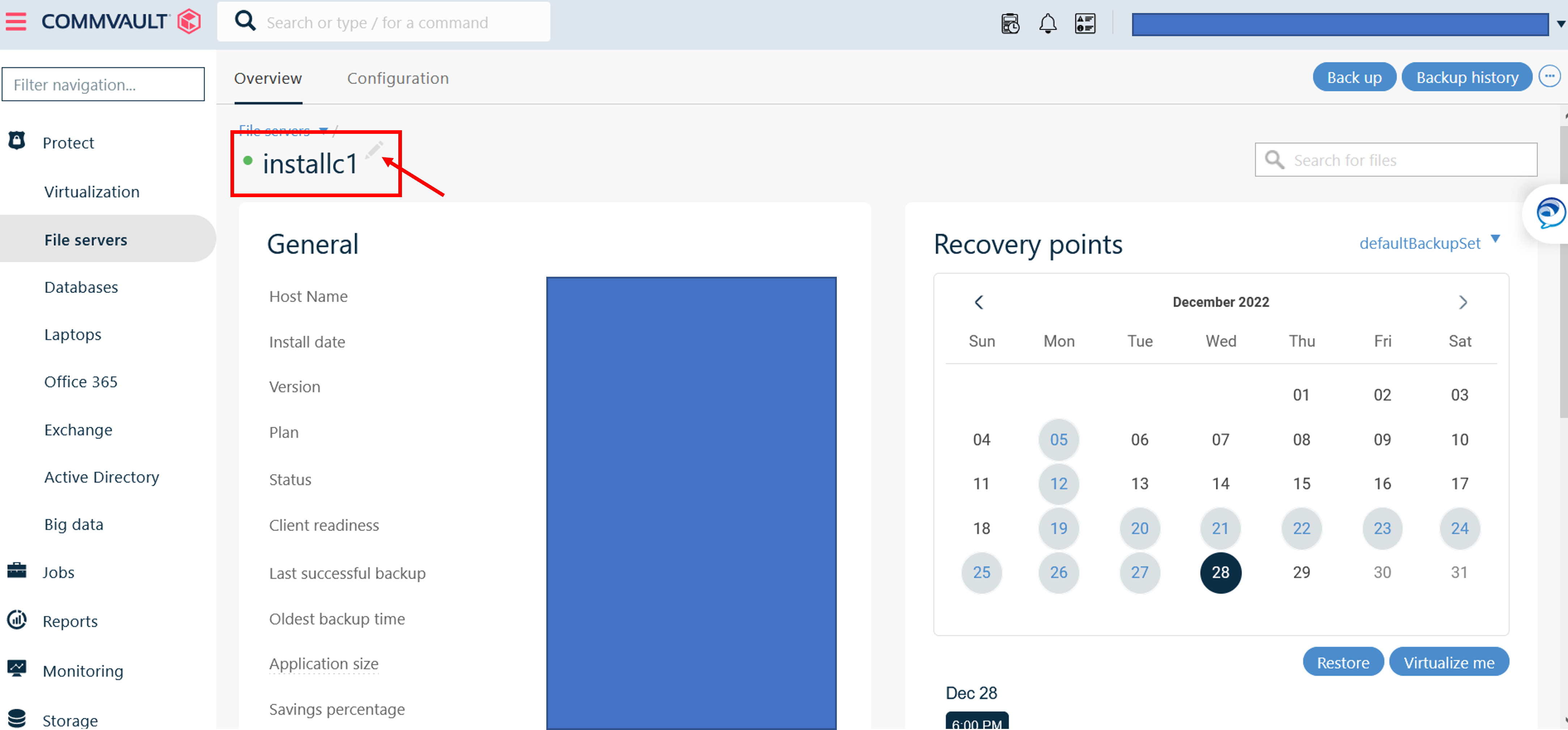
- When you hover over the name (mousover), a pencil icon will appear.
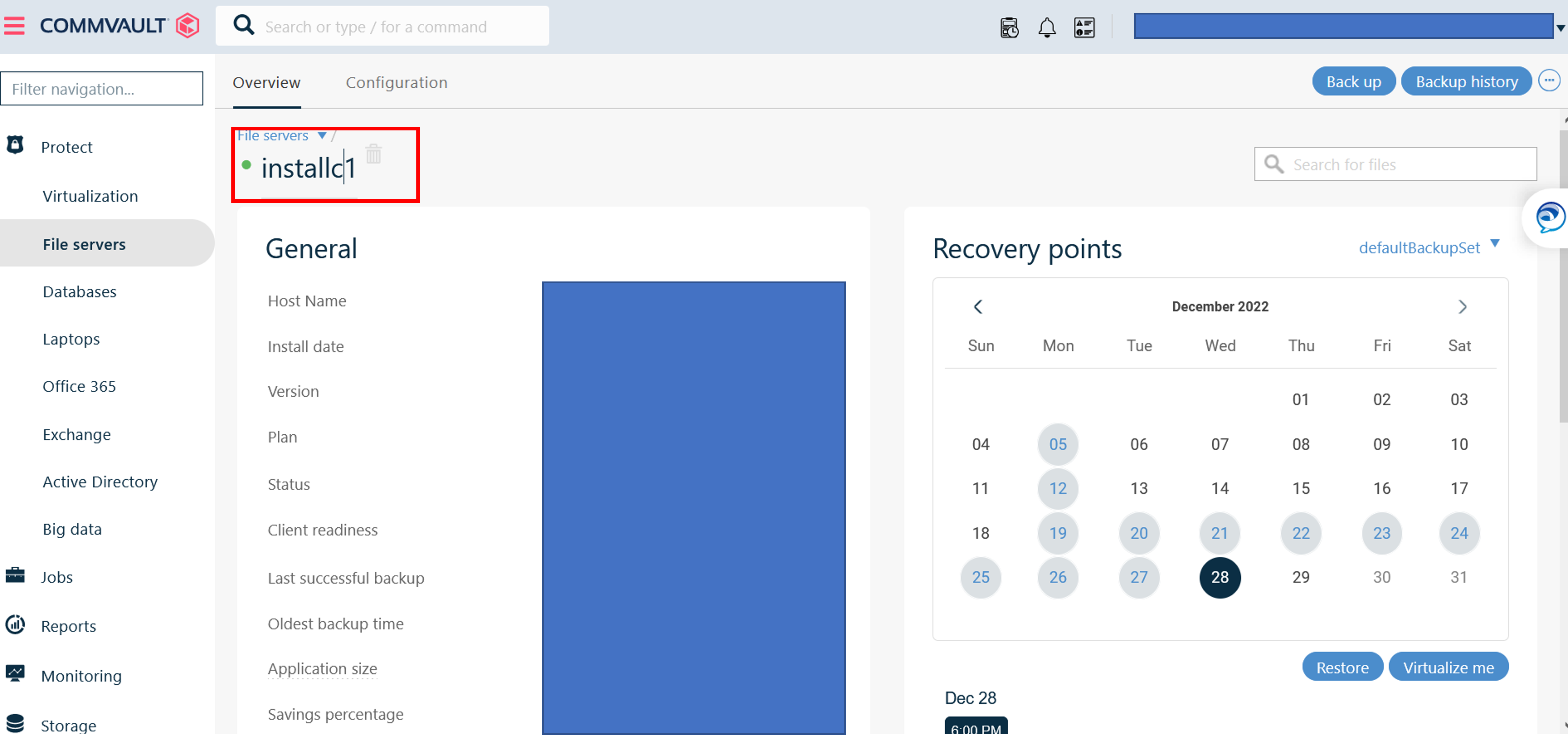
- By clicking on this icon, you can edit the display name.

Related content:
