You are located in service: Azure

Main Settings for Azure

Main Settings for Azure

information

Portal Settings

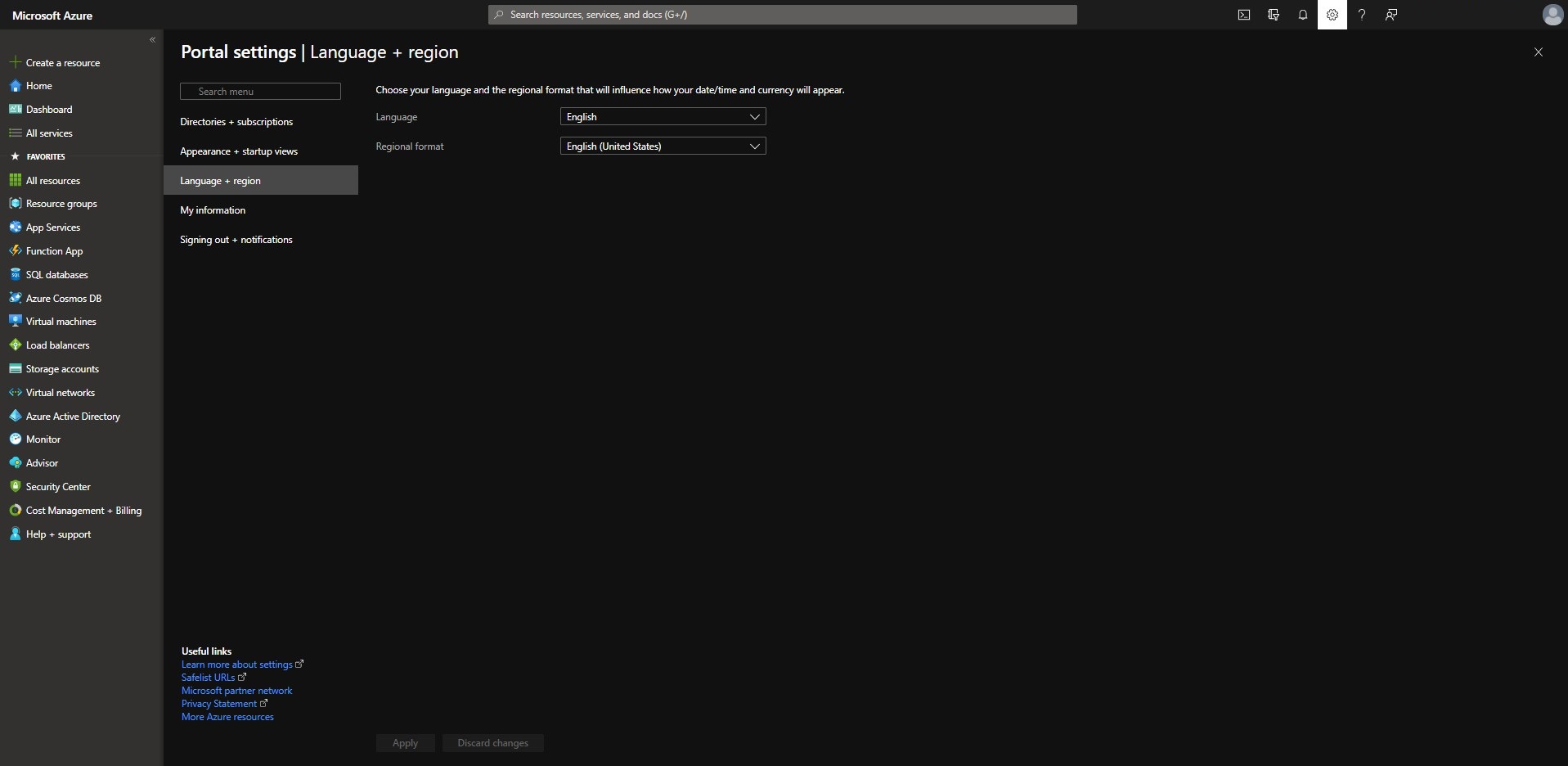
In order to make further steps easier, we recommend clicking the cogwheel first and changing the design and language settings according to your personal preference.
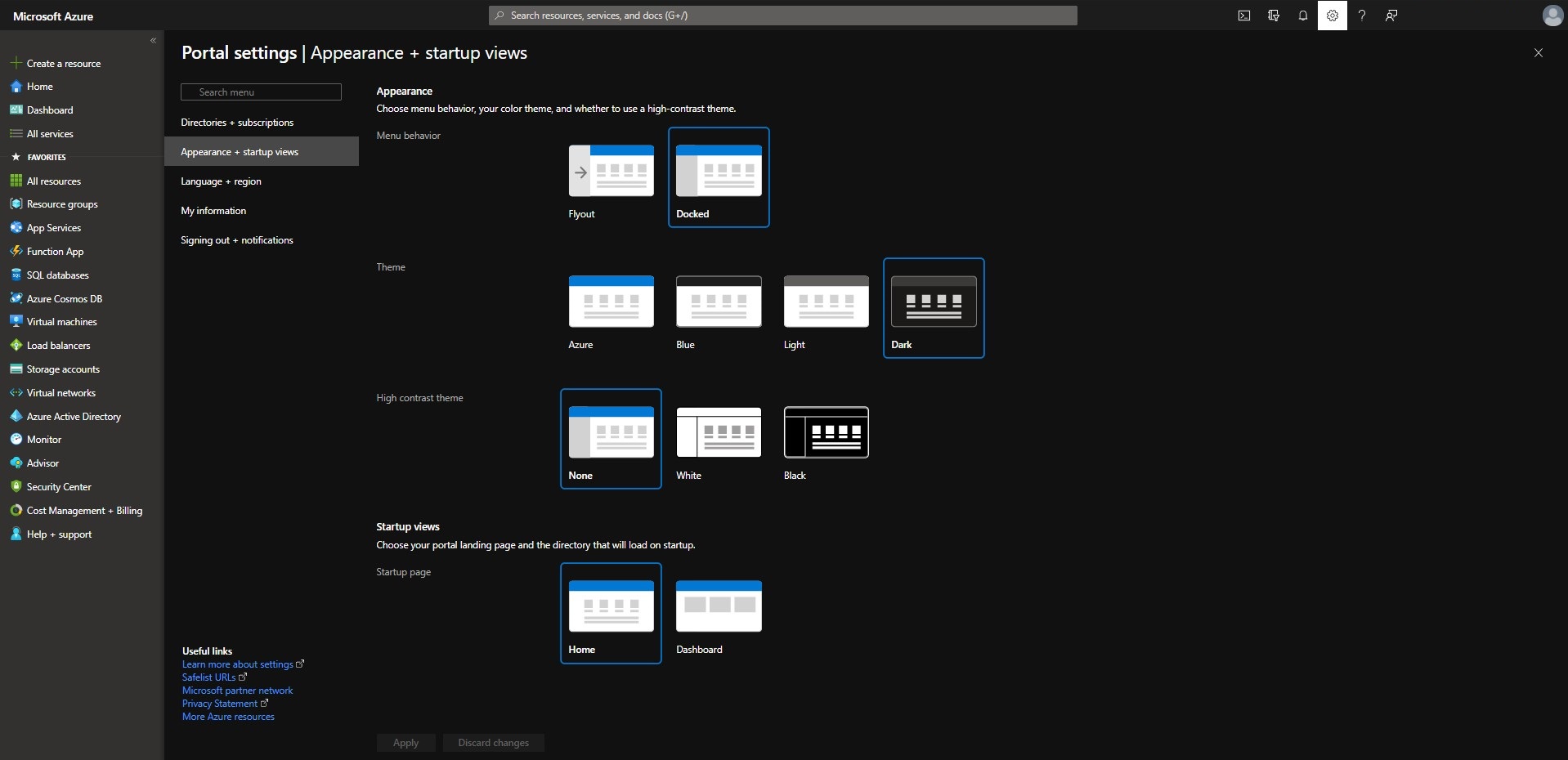
Screenshot of the "Portal settings" window. Under the selected section "Appearance + startup views", the configuration areas for "Menu behavior", "Theme", "High contrast theme", and at the bottom "Startup views" are arranged one below the other.

Screenshot of the "Portal settings" window. In the left navigation bar, the item "Language and region" is selected. In the main area, there are two dropdown menus arranged one above the other for selecting the "Language" and the "Regional format".

last changed on 11/27/2025

How did this content help you?

Creative Commons Lizenzvertrag
This work is licensed under a Creative Commons Attribution - Share Alike 3.0 Germany License