You are located in service: Azure

All Services

All Services

information

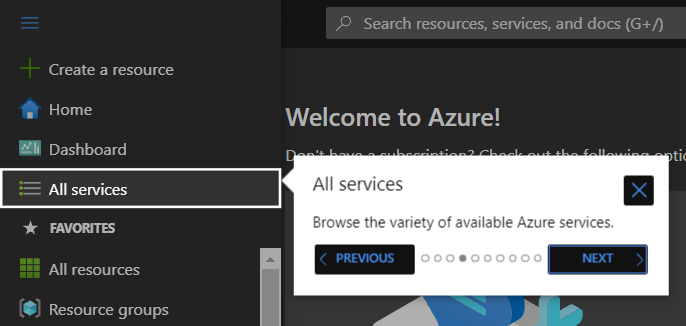
"All services" lists the diverse number of different Azure services.

Screenshot of the left navigation bar. The "All services" menu item is highlighted. An information pop-up displayed to the right explains the search for available services and contains the navigation buttons "Back" and "Next" at the bottom.

Screenshot of the "All services" page. At the top is the "Filter services" field. A menu bar lists categories such as "General" and "Compute" one below the other. Next to it, in the main area, icons for "Recommended" and tiles for "Free training" and "Get to know Azure" are arranged.


last changed on 11/27/2025

How did this content help you?

Creative Commons Lizenzvertrag
This work is licensed under a Creative Commons Attribution - Share Alike 3.0 Germany License